> ## Documentation Index
> Fetch the complete documentation index at: https://docs.m1amdocs.com/llms.txt
> Use this file to discover all available pages before exploring further.
# Remove an Email Address
As a Care Agent, you can delete a registered email address from a user's profile. You can only remove an email address if the user has at least one other registered email address, mobile number, or connected social media account (for example, Facebook, Google) as a backup sign-in option. At least one option for authentication must be available.
1. Sign in to the Care console. By default, the **Find a User** page appears.
2. [Find and select](sgFindUser) a desired user. The selected user's Identity page (profile) opens.
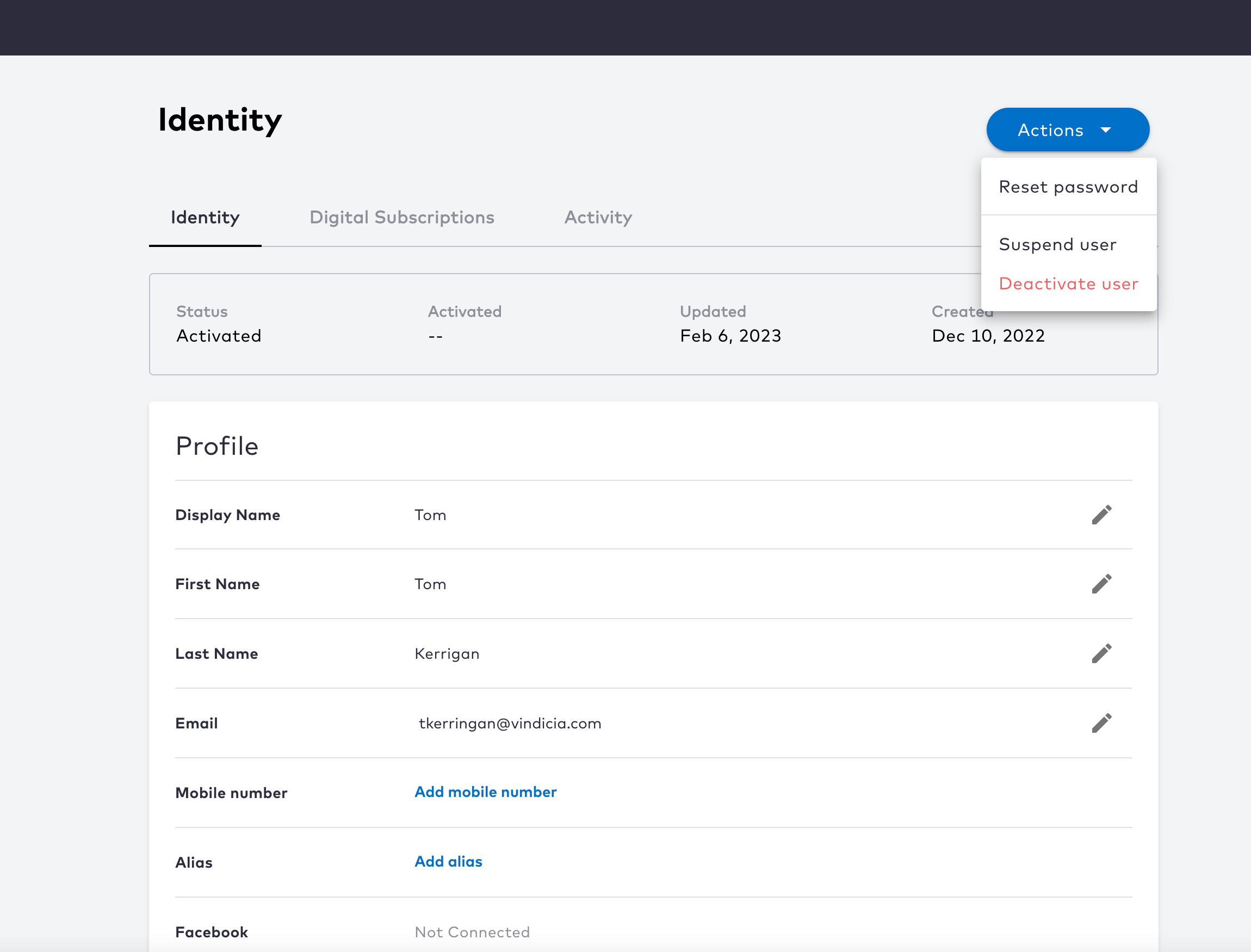 3. On the selected user's **Identity** page, click the
  icon in the **Email** row.
4. Click **Remove** next to the email address that you want to delete. A confirmation prompt opens.
5. Click **Remove** to delete the email address, or click **Cancel** to go back.
The system immediately removes or deletes the email address from the user profile. The user can no longer use this email address to sign in. The user can, however, re-register the email address if they desire, but it will need to be re-verified.
**Parent topic:**[Authentication Identifiers](sgEmailsAndMobileNumbers)
This documentation is built and hosted on [Mintlify](https://mintlify.com), a developer documentation platform.
icon in the **Email** row.
4. Click **Remove** next to the email address that you want to delete. A confirmation prompt opens.
5. Click **Remove** to delete the email address, or click **Cancel** to go back.
The system immediately removes or deletes the email address from the user profile. The user can no longer use this email address to sign in. The user can, however, re-register the email address if they desire, but it will need to be re-verified.
**Parent topic:**[Authentication Identifiers](sgEmailsAndMobileNumbers)
This documentation is built and hosted on [Mintlify](https://mintlify.com), a developer documentation platform.