

Key User Capabilities
Storefront Gateway implements role-based assignments for end users that determine what consoles are available. Additionally, roles define the level of access and functionality the user has to manage Storefront Gateway services and resources.- Create new user roles and define the application entitlements for that role
- Search for, edit, and remove existing roles
- Create, activate, and remove other Admin and Care end users
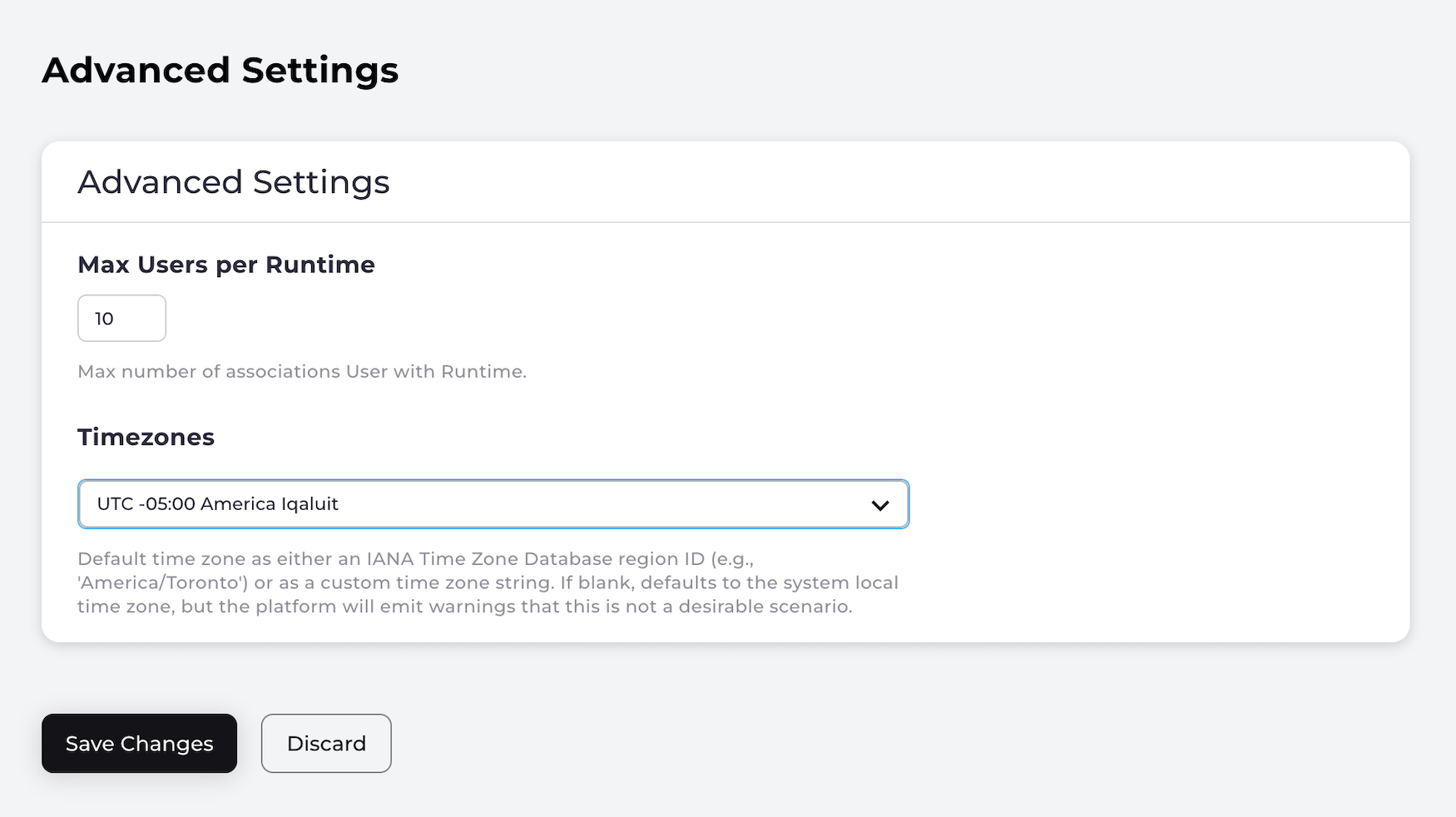
- Modify application settings that determine system behavior. Applications settings are found in these categories:
- Authentication – Define the password complexity rules, number of email/mobile aliases a user can have. Set obfuscation rules, and configure the valid email/mobile patterns allowed.
- Social Connections – Configure integrations with social identity providers: Apple, Facebook, Google, LinkedIn, Microsoft.
- Security – Establish rules for user lockout, MFA, and enable recaptcha.
- Register and manage OAuth 2.0 and OpenID Storefront Gateway-compliant clients for Single Sign-On (SSO)