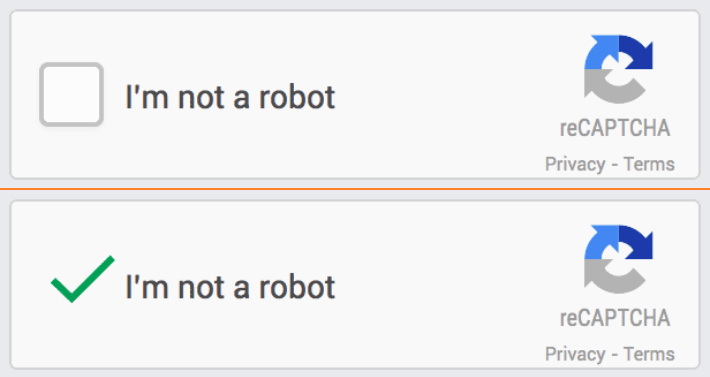
CAPTCHA is an automated, dynamically generated challenge that determines whether or not the user on a webpage is human. CAPTCHA prevents brute-force attacks (typically to discover passwords for profiles via automated repeated guesses) by presenting a task that only a human can successfully solve. If the user triggers a CAPTCHA prompt during authentication, they must first pass the challenge in order to proceed. These challenges are simple and easy for humans to pass, but difficult for malicious automated “bots” to bypass.

CAPTCHA Types

There are multiple types and versions of CAPTCHA challenge; the criteria for when and how to challenge a user is dependent on the CAPTCHA type. For example, some versions prompt the user to click a checkbox, and prove they are not a malicious bot, after a failed number of login requests. In other cases, the system instead requires the user to match images to further validate their identity. Supported CAPTCHA By default, Storefront Gateway supports Invisible reCAPTCHA (version 2/3/enterprise). This version includes an “invisible” check that monitors multiple factors in the user’s behaviour before making any kind of prompt. Support for more CAPTCHA and challenge types (e.g. honeypot) are coming in a future release.