

- Administration Functionality: Super Administrators can create tailored user roles (view, edit, validate, and publish) for specific business segments and UI components. Matrix settings allow Super Administrators to customize permissions across various feature and segment levels.
- Population Management: Customer segments can be imported from integrated BSS systems or created manually within Editorial Management Interface (EMI) for custom segments, such as A/B testing.
- Workflow Management: Users can directly view the workflow status from the dashboard and access active programming pages, whether they are awaiting validation, archived, or in draft state.
-
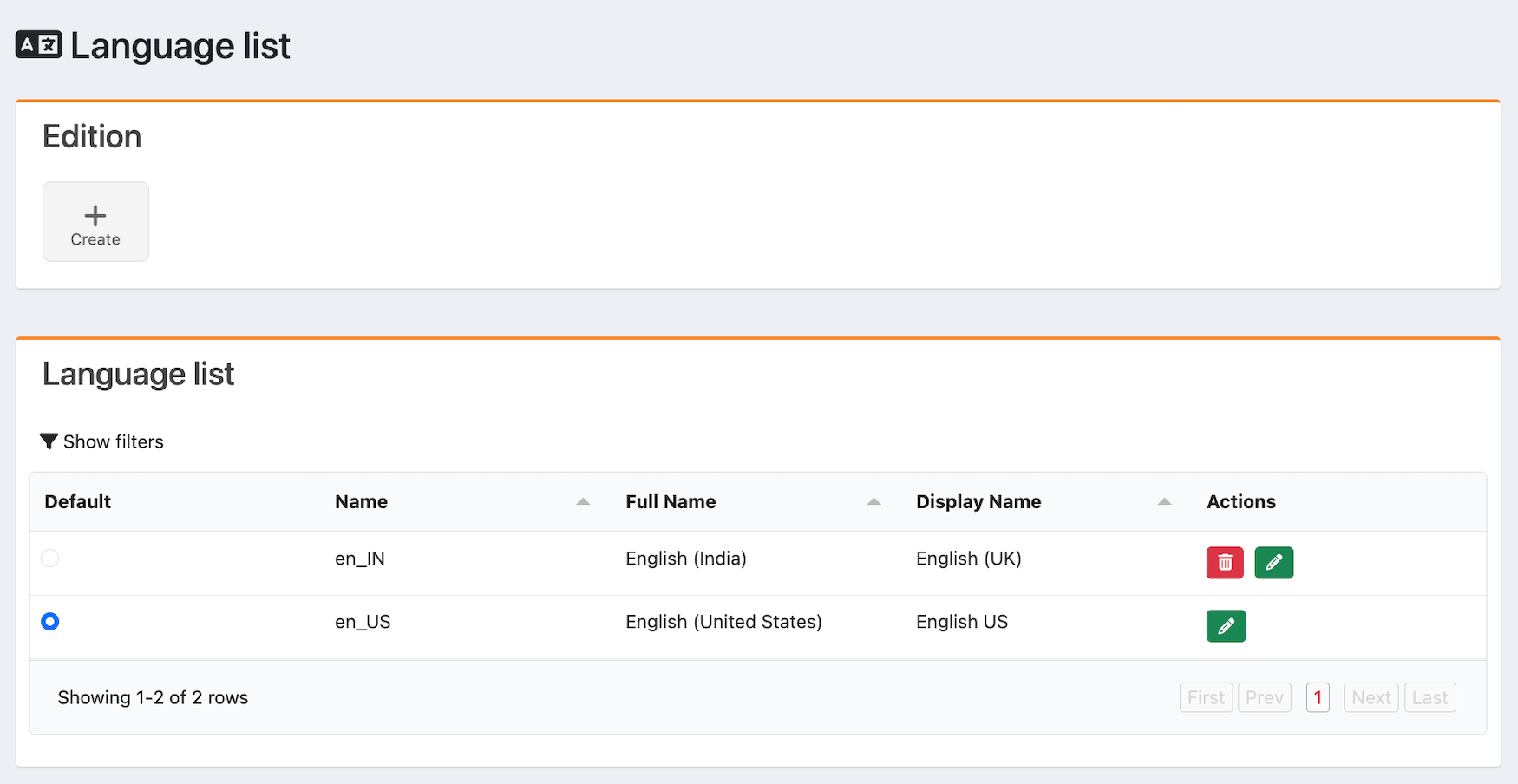
Language Configuration: Multiple languages can be enabled, allowing users to define different localizations for specific UI components, such as content/product metadata.
-
User Interface Skinning: Users can modify colors, backgrounds, focus types, fonts, menu layouts, and more.
- Theme Management: UI skinning can be configured in real time without requiring code changes, enabling users to modify colors, backgrounds, focus types, fonts, menu layouts, and more.
- Graphic Assets: Users can add assets like logos and background images, change main UI colors across the website (including action buttons, icons, and fonts), and configure the footer UI.
- Footer: Configure colors, text, URLs, and required elements, such as social network icons and links.
- Product Catalog: Curate the user interface of the Discovery page to promote products and offers from the integrated catalog, driving cross-sell and up-sell opportunities.
- Internal Link: Create an asset, such as an image, that serves as an internal link to a specific URL or page within the marketplace.
-
Content Curation: Editorial Management Interface (EMI) enables the curation capabilities of products from the MarketONE catalog.
- Pages: Select from our available page templates to choose the experience you want users to see on the Home page and the My Account page, where users can manage their subscriptions.
- Zone Layouts: Zones are block layouts used within storefront pages. Editorial Management Interface (EMI) users can select from available templates, including hero banners, content rails, and content walls, to promote content, products, services, and offers.
- Metadata Editing: Each asset within a zone layout can be edited to change the metadata position and/or verbiage. Curate content, product, service, and offer descriptions, along with marketing assets.
- Localization: Each zone layout can be configured for different languages. Editorial Management Interface (EMI) supports English, Spanish, French, and other languages, which can be configured in the language admin.
- Metadata Aggregation: A set of APIs is used by Merchants to push their catalogs to the Editorial Management Interface (EMI) metadata aggregation service. Once available in the service, this content can be showcased in the UI.
-
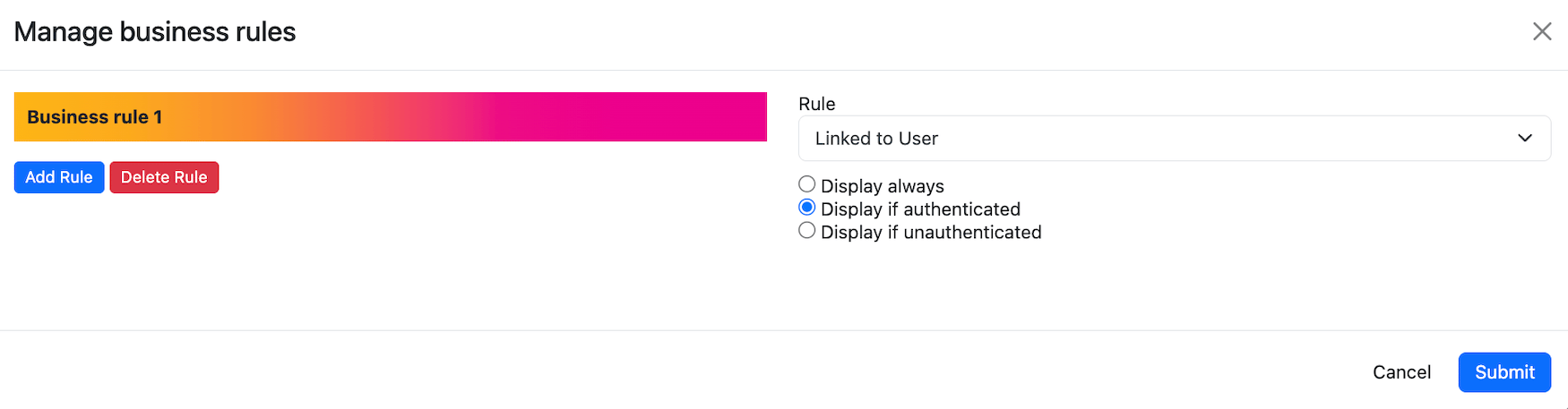
Business Rules: Define the conditions for displaying rails or content based on active user subscriptions. These rules serve as a presentation layer control, not an eligibility enforcement engine. They allow users to promote content, products, and offers under specific conditions, providing a more personalized experience.
Editorial Management Interface (EMI) Features
Editorial Management Interface (EMI) offers the following core features:
Was this page helpful?