

- Register for reports
- Un-register for reports
-
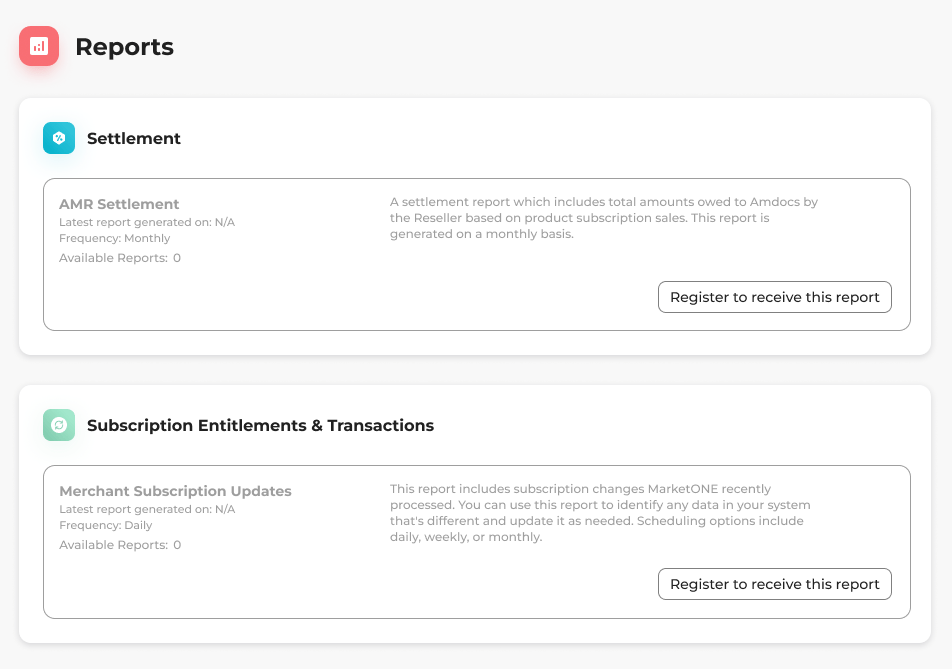
Navigate to Reports in Partner Ecosystem Management.
-
Select what you’d like to do:
-
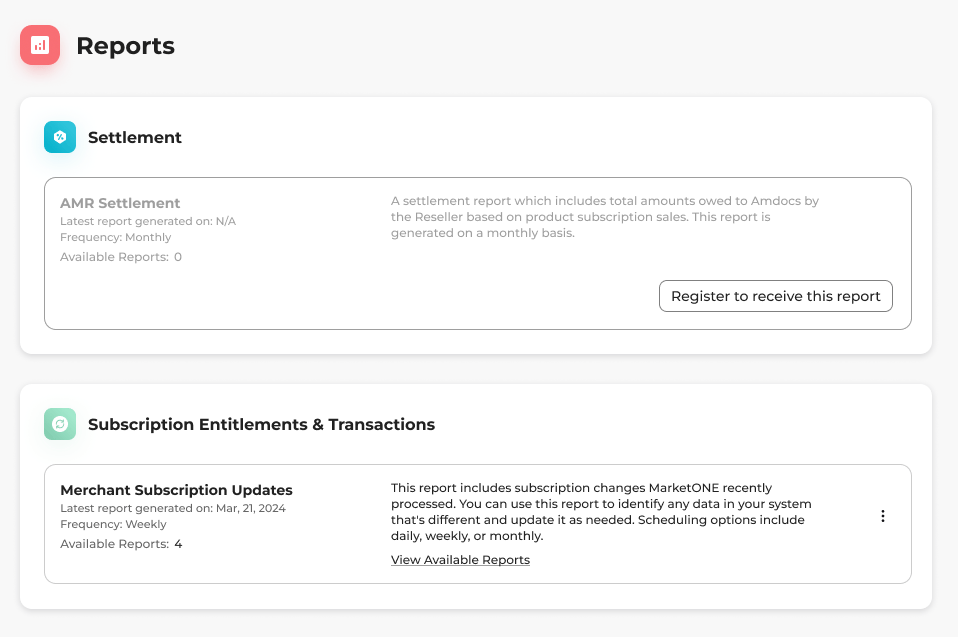
To register for a report, locate the report you want to register for and select the three dot menu on the same row.
The options menu appears.
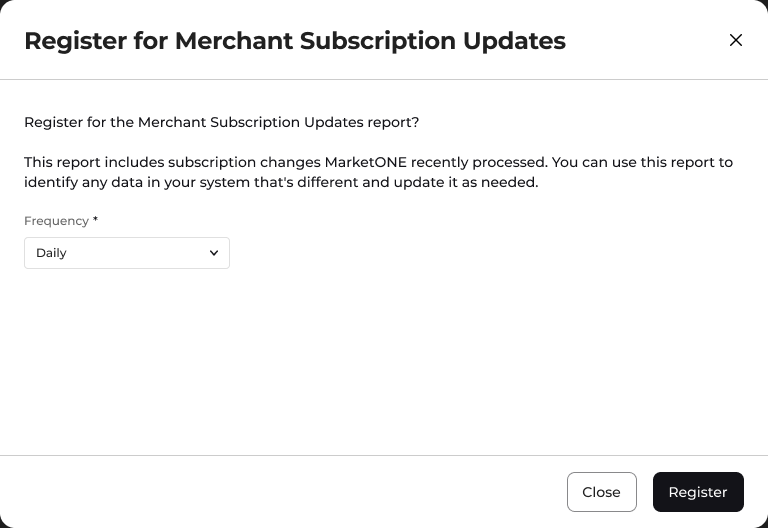
Select Register to receive this report.
A box appears to confirm your choice.
-
To un-register for a report, locate the report you want to un-register for and select the three dot menu on the same row.
The options menu appears.
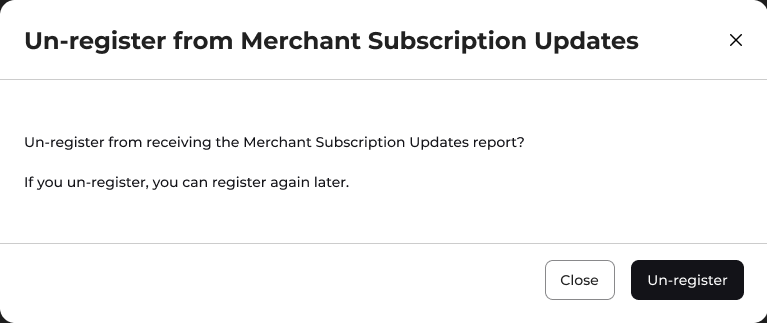
Select Un-register from report.
A box appears to confirm your choice.
-
To register for a report, locate the report you want to register for and select the three dot menu on the same row.
The options menu appears.
Select Register to receive this report.
A box appears to confirm your choice.