

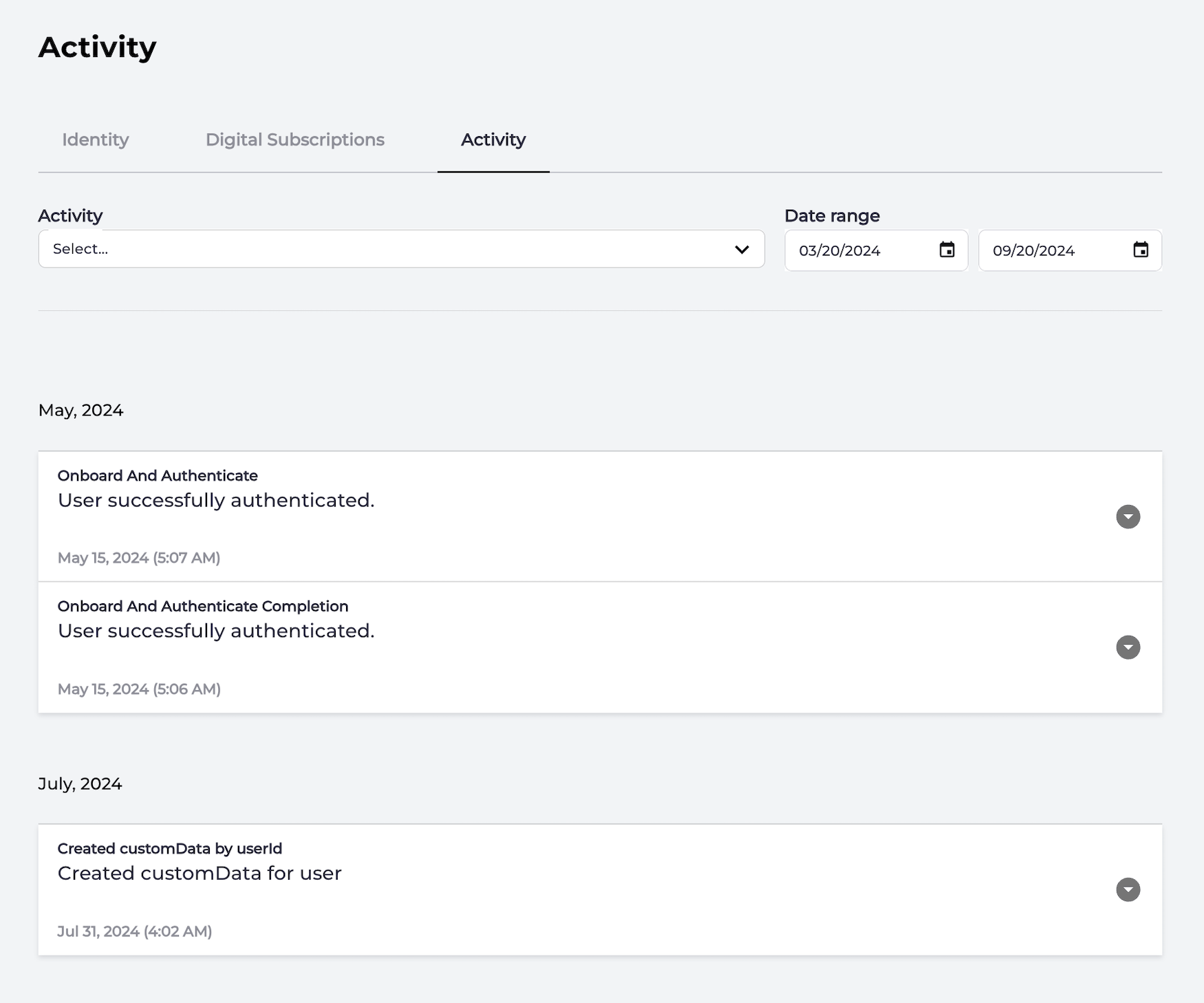
The Activity page displays a history of all the user’s interactions with the Storefront Gateway service through your organization’s applications. Selected user's activity page Each action entry in a selected user’s history includes:
  • Action - a name of the interaction (or the Storefront Gateway Process) executed by a user.
  • Description - a brief description of the interaction (or the Storefront Gateway Process) executed by a user.
  • Date - a date and time when a user performed an interaction.
By default, the Activity screen displays all of the selected user’s activity, starting with the most recent entries. You can filter, review, and verify specific user activities within a given start and end date. Note: End user activity is populated with data taken from Storefront Gateway User eXperience Data Record (UXDR®). Column names, entries, and data sources may vary if your version of Storefront Gateway is an on-premises, solutions-driven deployment.