

- Account information, including the organization’s name
- Business information, including countries of operation and associated industry categories
- Primary contact and operational contact details, including phone number and email address
- The eligible customer base, which is the total number of customers that are eligible to register for subscriptions. This allows the penetration rate to be calculated on the Dashboard, which is the number of active subscriptions versus the number of eligible customers.
- Click your name in the navigation bar at the top of the page. The dropdown list appears.
-
Select Organization Profile.
The Organization Profile page appears with Account Information, Business Information, and Contact Information panes.
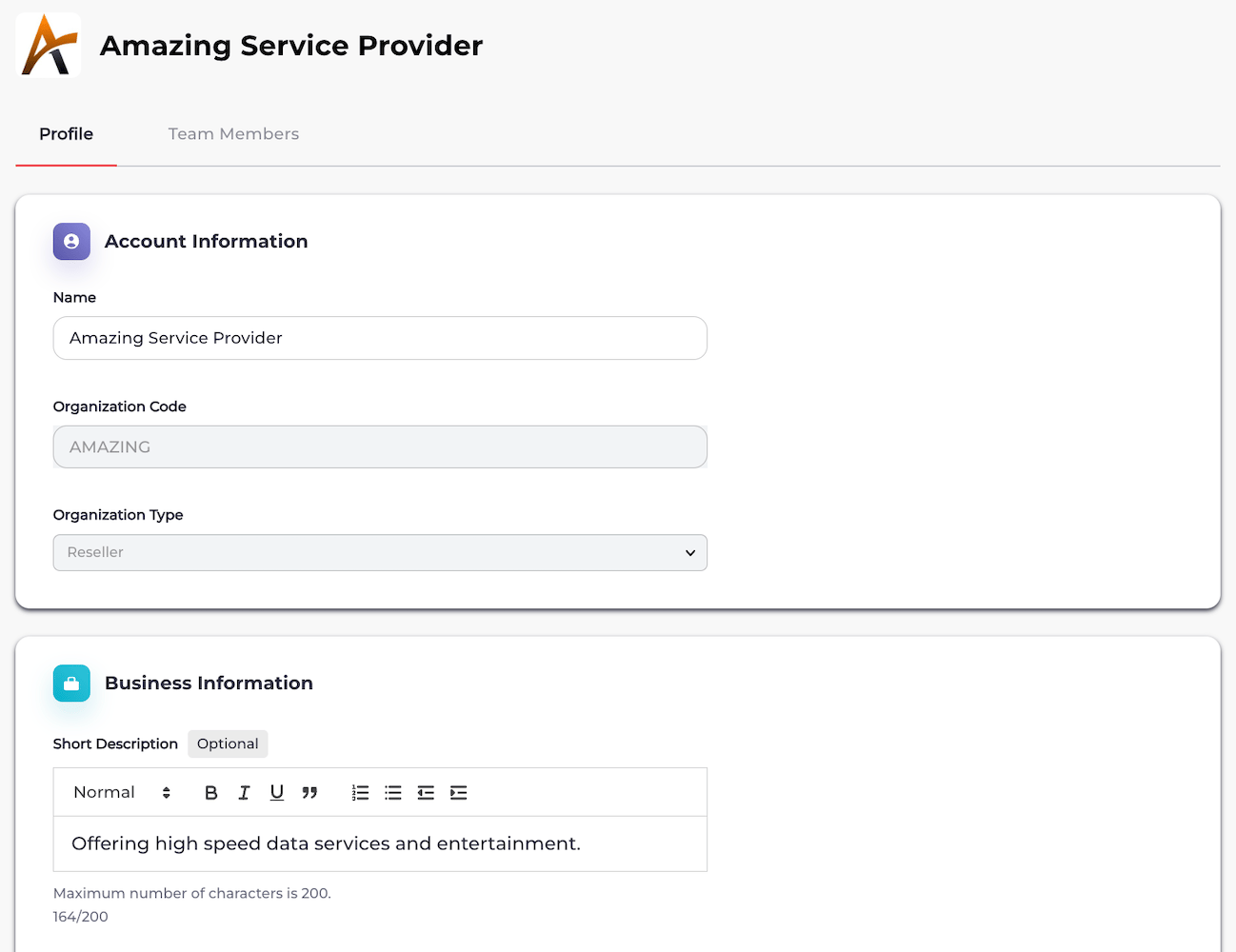
- Edit the organization fields in each section as needed. See the tables below for more details.
- When you’re done, click Save. Your organization profile is saved and visible.
Organization Field Details
Account Information
Business Information
Parent topic:Manage Your Organization Profile