

X-API-KEY) of the call to ensure a trusted communication. All communication is HTTP(s) based and supports SSL/TLS encryption.
API Key Best Practices
MarketONE recommends these best practices to keep your API key secure:- Once you generate an API key, copy it and store in a safe location. Once the API key window is closed, the API key can no longer be retrieved for security purposes.
- Occasionally generate a new API key, update your applications with the new API key, and delete the old API key to ensure continuity of operations.
Manage Your API Key
To integrate with the platform and make API calls, you must use an API key. This key is a JSON Web Token (JWT) that does not expire and is essential for secure communication. Every API request made by a Reseller (Service Provider) must include the API key in the request header:- Generate an API key
- Regenerate an API key
-
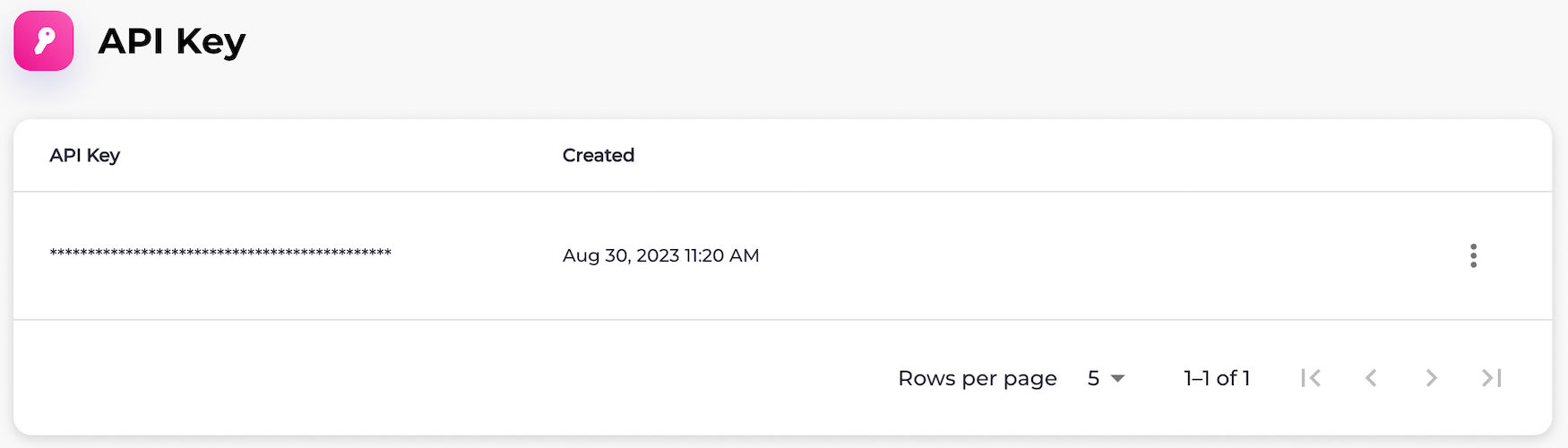
Navigate to Platform Settings > API Key.
The API Key page appears.
-
Select what you’d like to do:
-
To generate an API key, select the three dot menu and select Generate New Key.
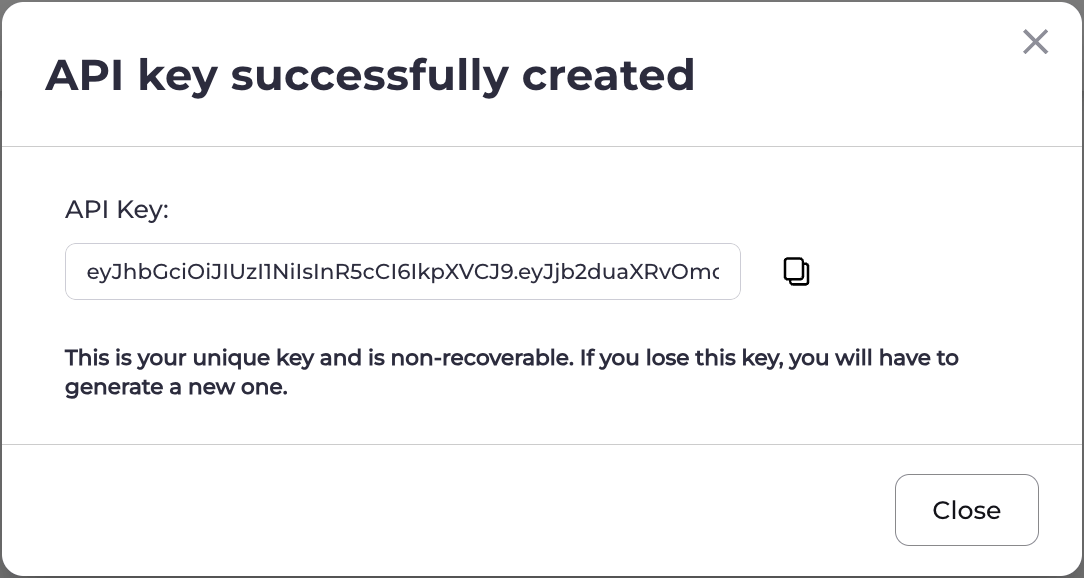
The API Key Successfully Created box appears.
Select the API key in the field and press CTRL+C or select the Copy icon (

-
To regenerate an API key, select Regenerate Key.
The Regenerate API Key box appears.
Select Confirm Regeneration.
The API Key Successfully Created box appears.
Select the API key in the field and press CTRL+C or select the Copy icon (
-
To generate an API key, select the three dot menu and select Generate New Key.
The API Key Successfully Created box appears.
Select the API key in the field and press CTRL+C or select the Copy icon (