

- Create new admin users
- View a summary of all admin users
- Update an admin user’s profile
- Assign and update admin roles
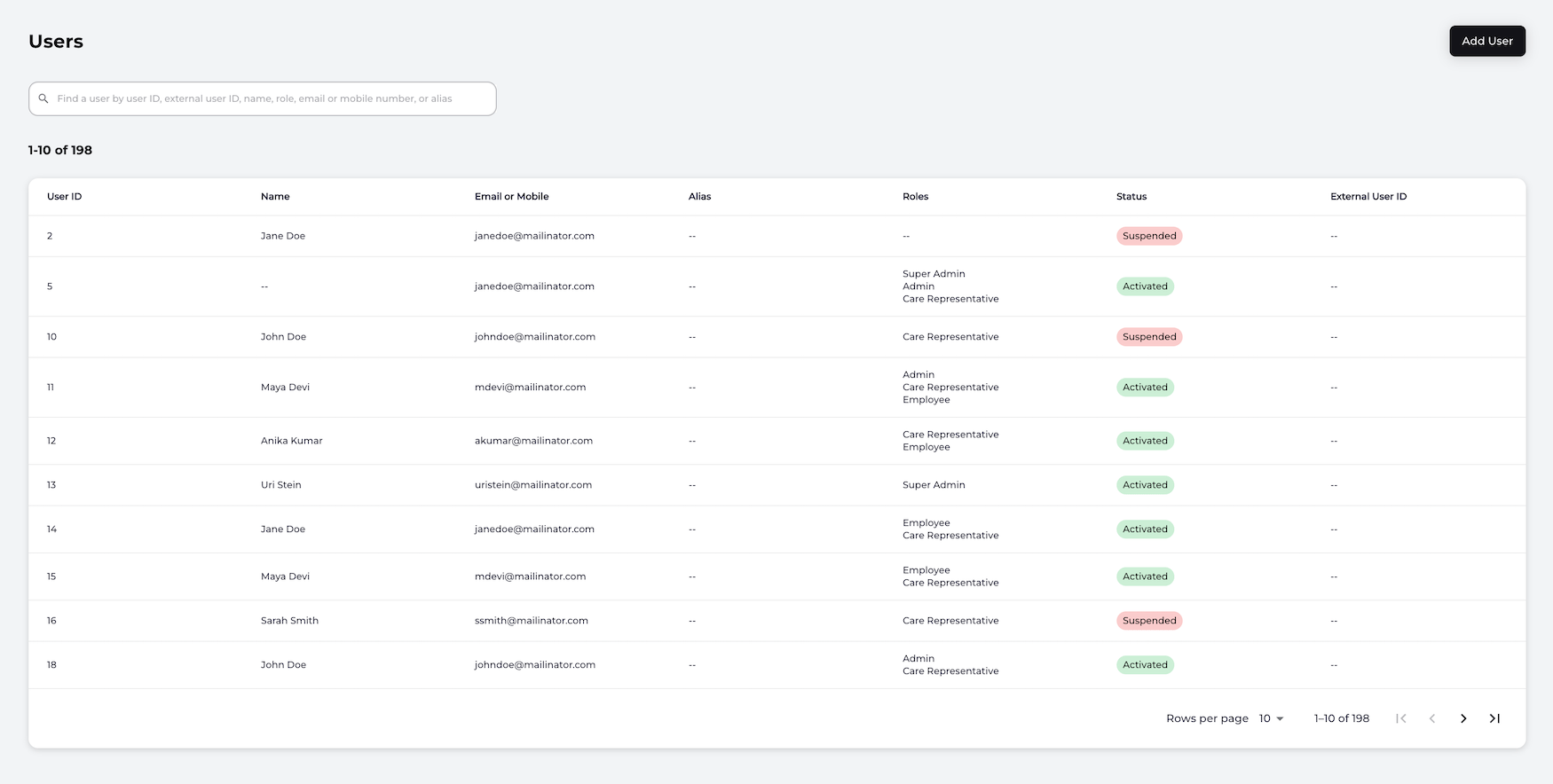
- View all users - The default page lists a summary of users and their associated roles such as Super Admin or Care Representative. Each user’s details - User ID, Name, Email or Mobile, Alias, Roles, Status and External User ID - are visible for quick viewing. Note: By default, users are listed per page. To view more users concurrently, click the per page option and update.
-
Update a user: Select a specific user from the list on the Users page. The selected user’s Identity page displays with an Actions button where a Super Admin or Care Representative can perform the following tasks:
- Suspend a user - Temporarily suspend a user account and prevent the user from authenticating and accessing resources.
- Remove a user’s suspension - Remove a user’s suspension from their account.
- Deactivate a user - Deactivates the account and the user can’t authenticate with Storefront Gateway.
- Change a user’s role - Update the user’s role.
- Add User: Creates a new user with a specified role and sends the user a invitation email.
- Identity
Identity
A user’s Identity page displays an overview of the relevant details of their profile or user account including their current Status. The page is helpful to determine the account status, when the account was created, activated/deactivated or suspended, and when updates or modifications were done. Note: A user may also be referred to as an admin user. The following table lists the information that can be viewed on a currently selected user’s page:
The Actions button is available on a currently selected user’s Identity page. As an admin user, you have the option to suspend, remove a suspension, and change the selected user’s role. For more details, see the User topic for guidance using these actions.
User Status Details
A user’s current status can be viewed from the Users summary page or on an individual basis by selecting a user. The user’s Name (as entered by the user) and ID (generated by Storefront Gateway) are visible at the top of the Identity page.
The table below lists the different statuses of a currently selected user:
Parent topic:Manage Users