

- Sign in to the Admin console.
- Click your username to expand the dropdown in the upper-right corner.
-
Click Account settings to view your profile page.
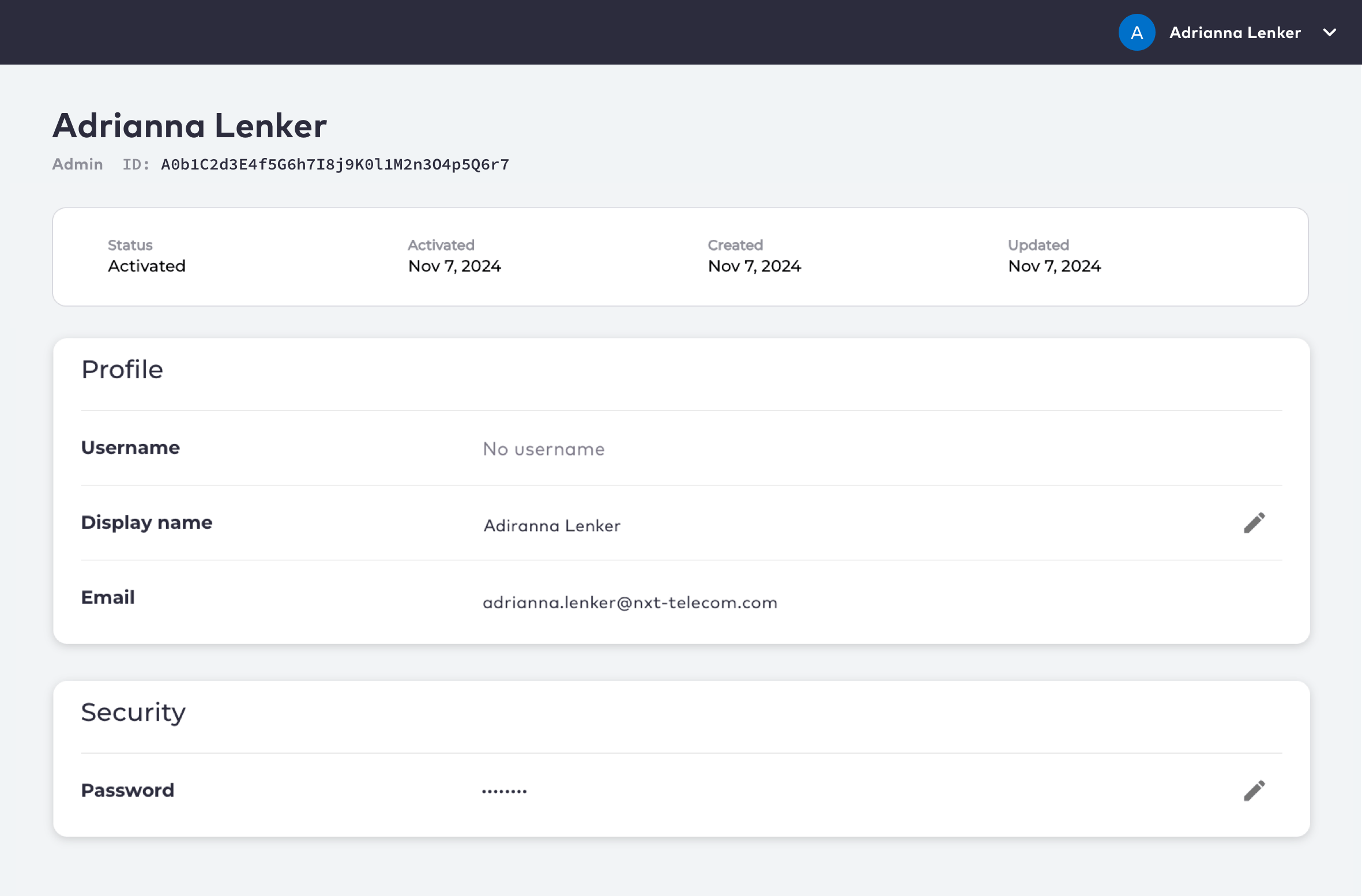
- Edit your personal information as needed. You can change your Display Name or Password.
- Click Save to update the selected field.
View Your Account Settings
As an admin user, you can view and edit your account settings, also known as a profile.
Was this page helpful?