

- Switching behavior (upgrades, downgrades)
- Upsell opportunities
- Tiered offerings in the storefront
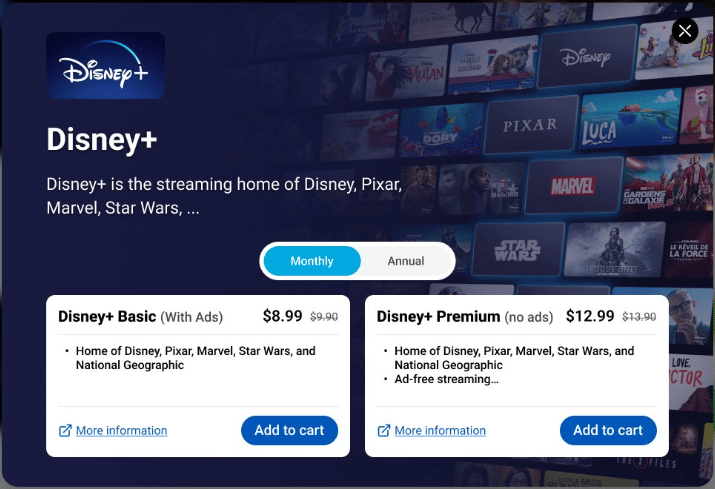
What Are Product Groups?
Product groups are collections of related products organized under a shared label by the Merchant. For example: Streaming Basic, Streaming Premium, and Streaming Ad-Supported under Streaming Video Service.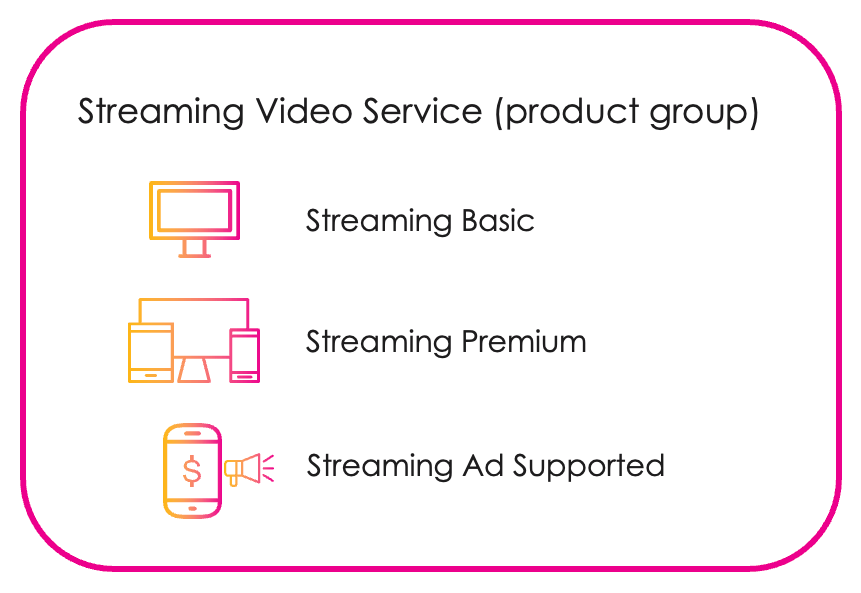
- Tiered plans
- Upsell paths
- Product switching within a unified experience
How Product Groups Flow Across Components
Product groups move through three key applications: 1. Partner Ecosystem Management- Merchants define product groups and assign products to them.
- Resellers discover products and submit agreements.
- Resellers enable the eligibility service to support upselling and switching products in product groups.
- Default switching policies are configured here (e.g., proration, timing of upgrades/downgrades).
- Resellers map products and define allowed switching paths between products in a group.
- Products and product groups are mapped to visual storefront components.
- Resellers define how products are interacted with.
- Enables upsell strategies, interactive switching, and tailored views.
Configuring Product Groups
In Partner Ecosystem Management:- Enable the eligibility service to support upselling and switching.
- Set default switching policies.
- Map each product in a group, define upgrade/downgrade paths, and enforce eligibility rules.
- Configure how products and product groups are displayed to storefront customers via: