How This Feature Works
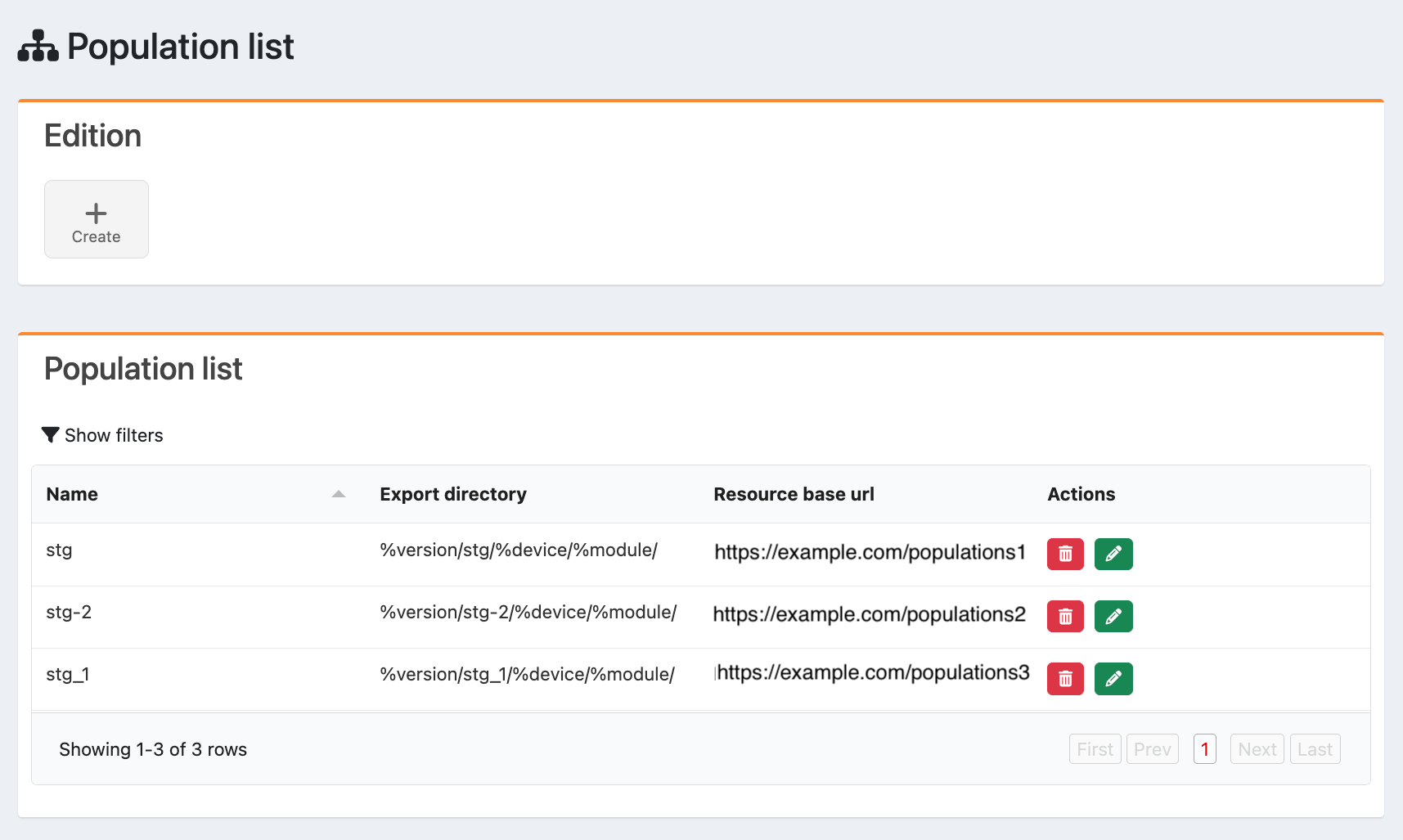
Customer segments can be imported from the API of your integrated BSS, CRM, or Subscriber Management system. You can also create populations in Editorial Management Interface (EMI). Note: You can add recommendations for users based on their login status or active subscriptions by configuring business rules. After you import or add populations, they can be applied to page programming. While creating or editing page programming, you can select one or more populations in the publication parameters. Use Case Example A Reseller wants to market content to a variety of users in addition to sports fans specifically. The Reseller does the following:- Adds a population of sports fans
- Creates Discovery page programming
- Adds a zone that features various streaming products
- Applies a business rule linked to users who aren’t logged in
- Adds a zone that features sports products
- Applies a business rule linked to users who are logged in
- Applies the population to the programming
- Adds a zone that features various streaming products
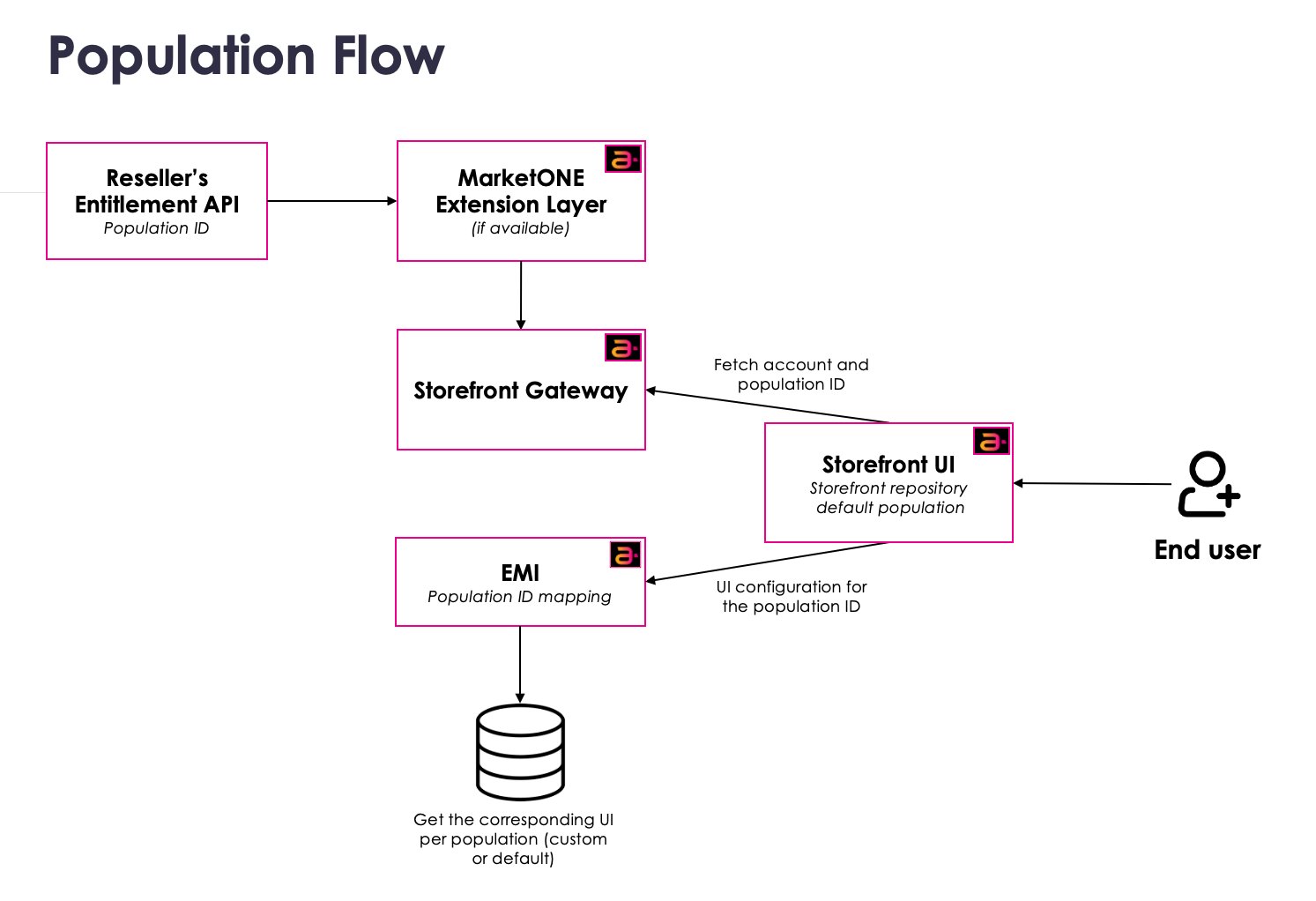
Population Flow
This flow outlines the process of integrating population data from the Reseller’s API to display personalized content to storefront users:- The MarketONE extension layer gets the population ID from the Reseller’s API. The population ID becomes available in the MarketONE extension layer.
- Storefront Gateway gets the population ID from the MarketONE extension layer and provides it to the Storefront UI.
- The Storefront UI uses the population ID and the Editorial Management Interface (EMI) mapping to present personalized content to the user.