

Customer Experience Example: Exploring a Product Group
A customer navigates to a group called Streaming Video Service. The customer wants to learn more so they select the group to view general information about the group and the related product options. The options in the group are Streaming Basic, Streaming Premium, and Streaming Ad Supported. The customer learns about the unique characteristics of each product. This helps the customer decide between the different options or tiers.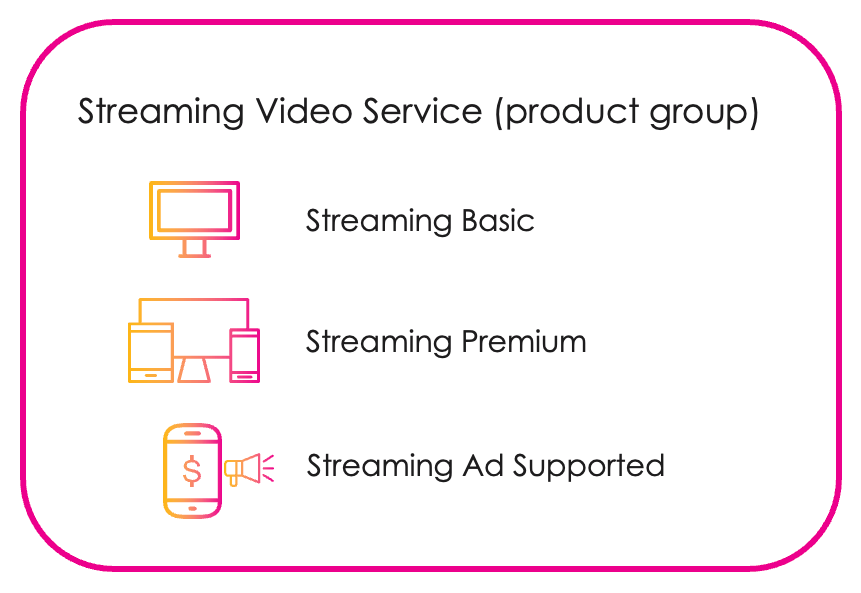
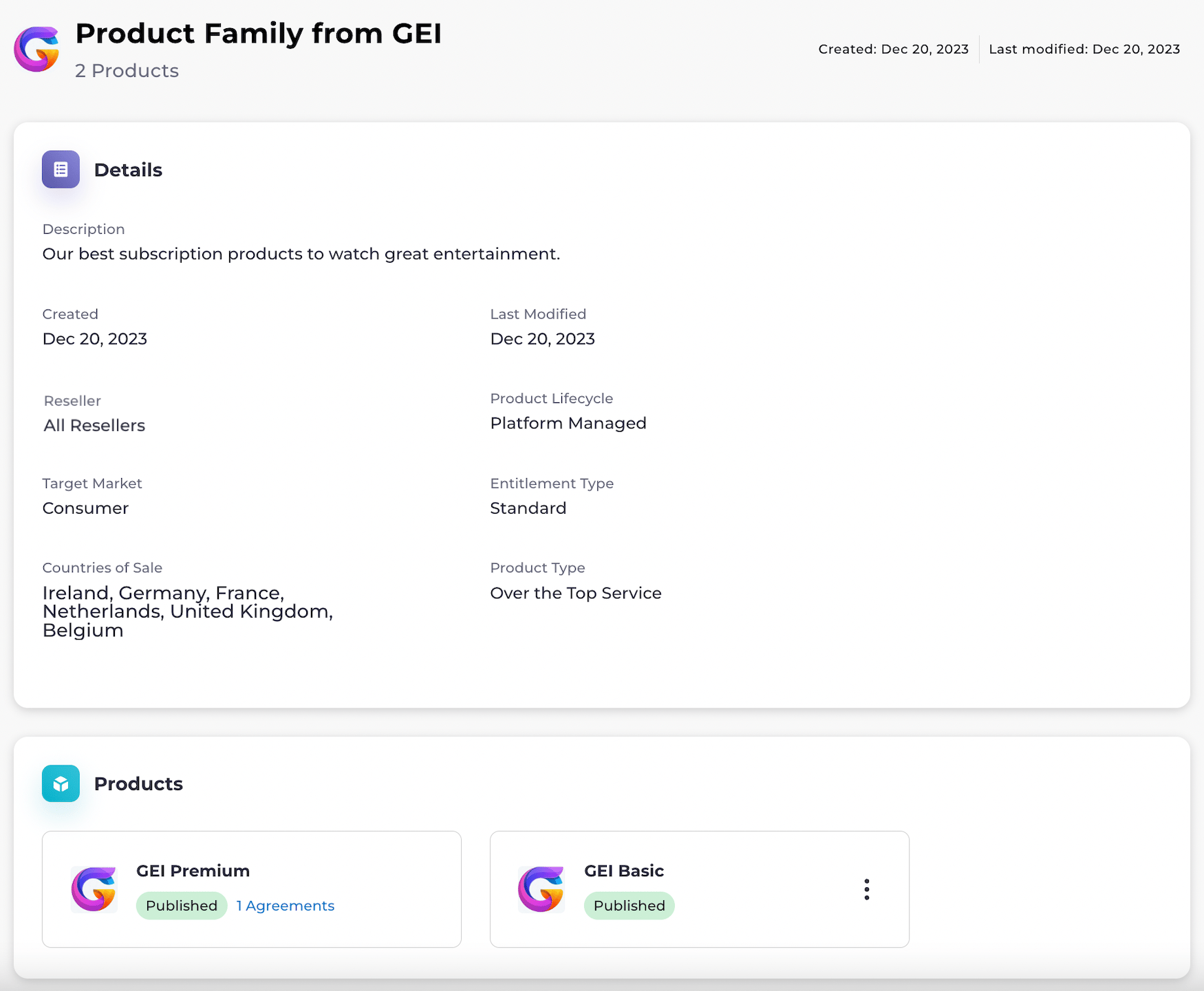
Product Group Details
| Field Name | Description |
|---|---|
| Reseller | The Reseller(s) the product group is visible to. |
| Product Lifecycle | The Product Lifecycle for a product group can be one of the following:- Platform-managed: The Reseller (Service Provider) resells Merchant services through their own digital store. The Reseller manages the lifecycle of customer subscriptions through Partner Ecosystem Management. - Merchant-managed: The Merchant uses the Reseller’s (Service Provider’s) billing as a payment option. The Merchant sell services to customers from their own store. |
| Target Market | The industry in which the Merchant is selling the products. |
| Entitlement Type | The Entitlement Type for a product group can be either:- Standard: customers can buy a single entitlement to the Merchant’s product. - Quantity (Platform-managed only): this type enables purchasing a number (quantity) for the product subscription entitlement. During product provisioning for the customer, you must provide a quantity (for example, license seats). This entitlement type also supports the ability to update the quantity in subscription entitlements at a later date. |
| Product Type | The type of products. For example: Over the Top Service. |
| Countries of Sale | The countries in which the products can be sold. |
 |
Product Groups Enable the Ability to Switch Between Products
Product groups give customers the ability to switch between products within a group. You can define switching policies for product upgrades and downgrades in one of two places:- Partner Ecosystem Management Platform Settings, if you’re also using Commerce Engine.
- Your external catalog, if you’re using external components.
Working with Product Groups in Commerce Engine and Editorial Management Interface (EMI)
For information about working with product groups across the MarketONE components, see Working with Product Groups Across the MarketONE Components.Publish Product Groups and Products to an External Commerce Catalog
After the Merchant approves the agreement, the associated product(s) can be published to the Reseller’s (Service Provider’s) external commerce catalog—if one is set up. This includes both product and product group information. Products and product groups can contain Merchant-added attributes that enhance catalog usability, such as:- Product type
- Entitlement type
- Tags
- Informational features
- Product documentation