

- Receive and view agreements
- Approve an agreement
- Reject an agreement
- Cancel an agreement if it doesn’t have any active subscriptions
-
Go to the Agreements space.
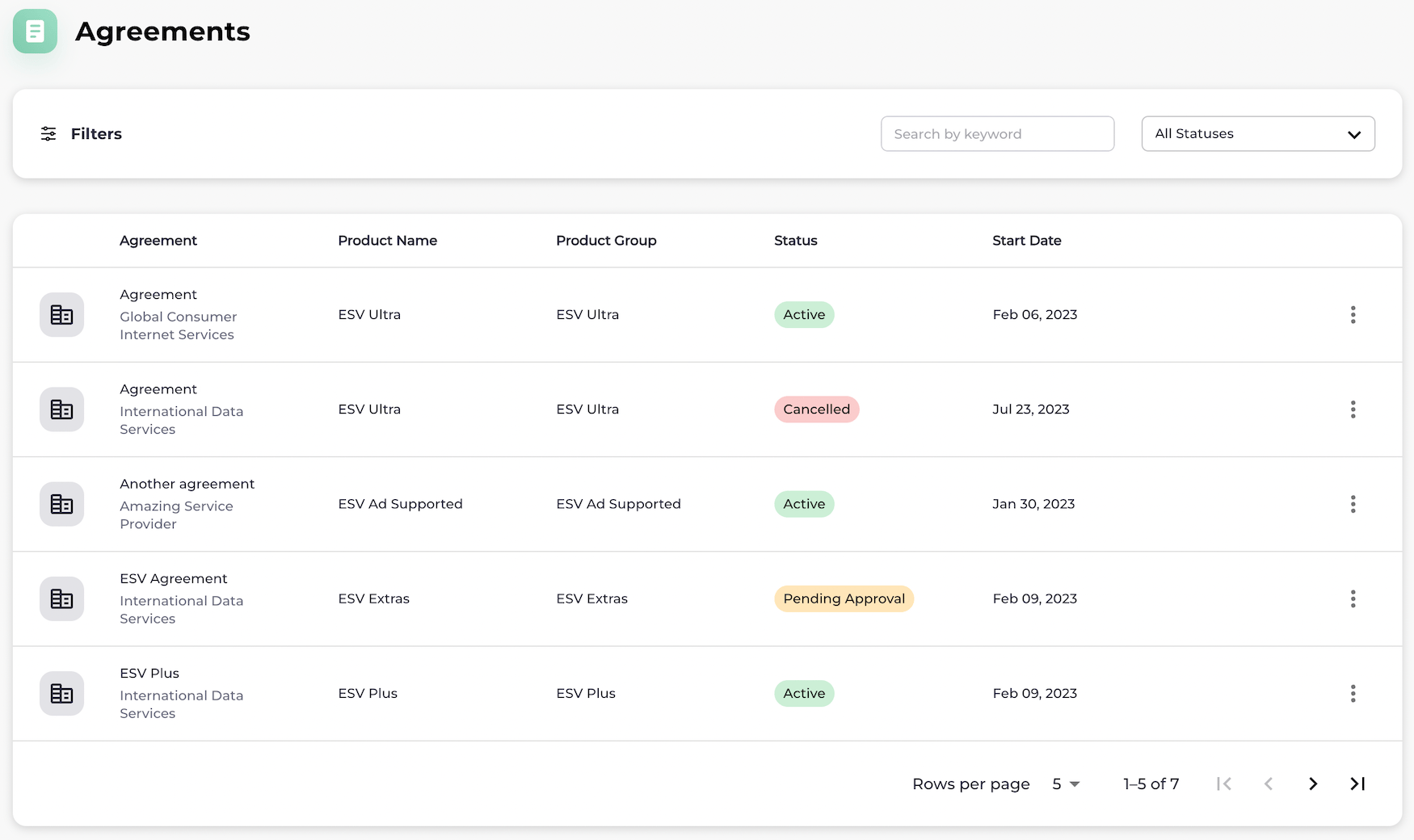
To view an agreement, filter for the relevant agreement by typing keywords and by selecting a Status from the dropdown list. As you provide the filter details, a list of the relevant results appears dynamically.
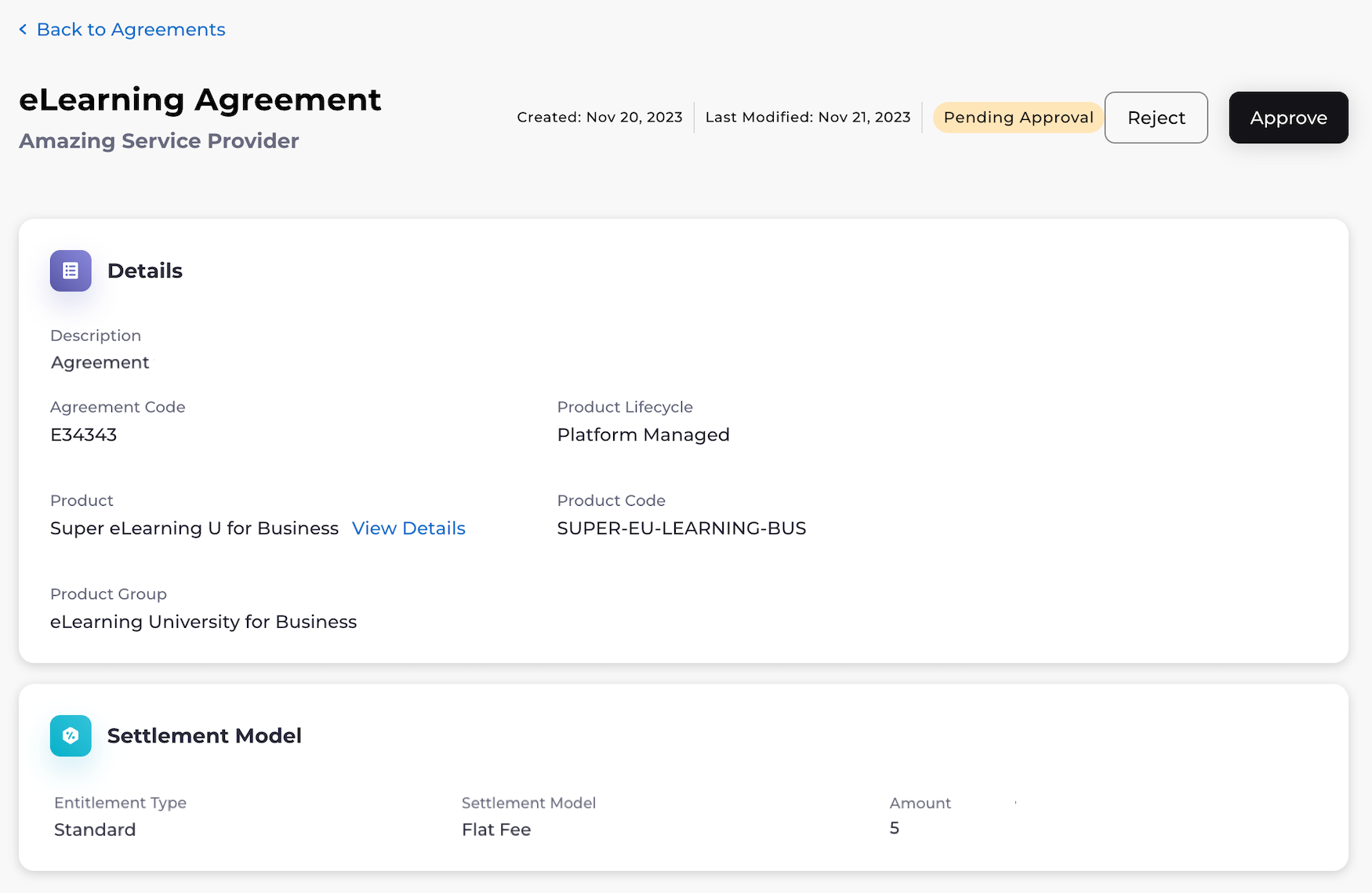
- To approve or reject an agreement, select Approve or Reject. The page refreshes. If you approved the agreement, it is now active. If you rejected the agreement, it is now inactive.
- To cancel the agreement, click the three dot menu next to the agreement status. The option menu appears. Select Cancel Agreement. A pop-up appears to confirm the cancellation. Select Cancel Agreement. Note: An agreement can only be canceled if the agreement doesn’t have any active subscriptions. Any active subscriptions must be canceled first. The page refreshes. The agreement has been canceled.