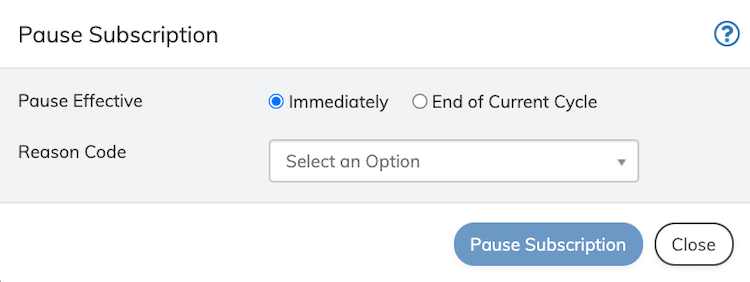
Pausing a subscription entitlement with the Merchant partner is only possible if the Merchant’s product supports pause/resume functionality. Otherwise, only the subscription billing can be paused. Only active subscriptions can be paused. When a subscription is paused, the service entitlement and billing of the subscription are revoked on the effective date of the pause. If no other action is taken, the subscription will remain paused until other action is taken or per policy from the Merchant partner’s product. You can pause billing for an existing subscription immediately (default) or at the beginning of the next billing cycle. You can also provide a reason for the pause. To pause a subscription:
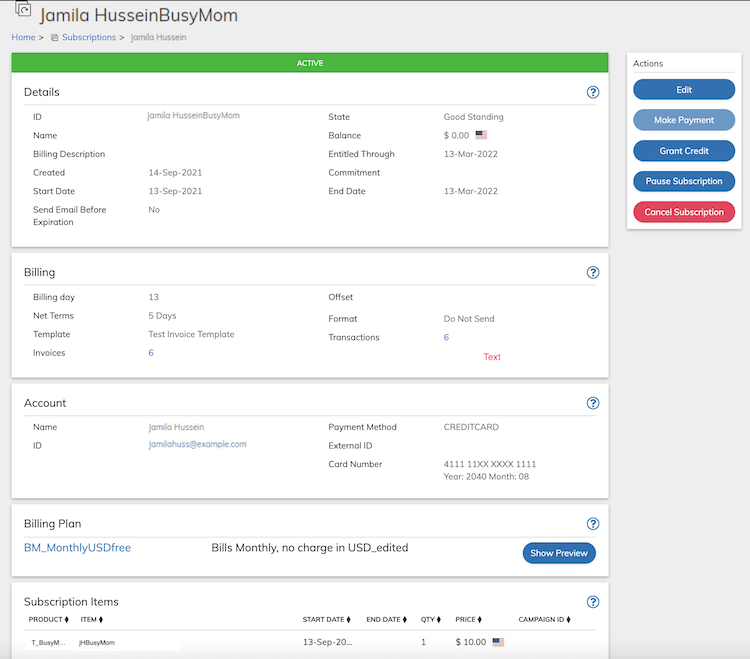
  1. Access the subscription from Billing > Subscriptions.
  2. Click Pause Subscription in the Actions Panel. Action Panel - Pause Subscription Button The Pause Subscription dialog box appears. Pause Subscription Dialog Box
  3. Define the fields as needed. Refer to the table below for guidance regarding the fields.
  1. Click Pause Subscription in the Pause Subscription dialog box. The Subscription is paused or transferred to a Pending pause status according to the defined parameters. Note: A subscription in Paused or Pending Paused state can be canceled on the portal.
Parent topic:Subscriptions