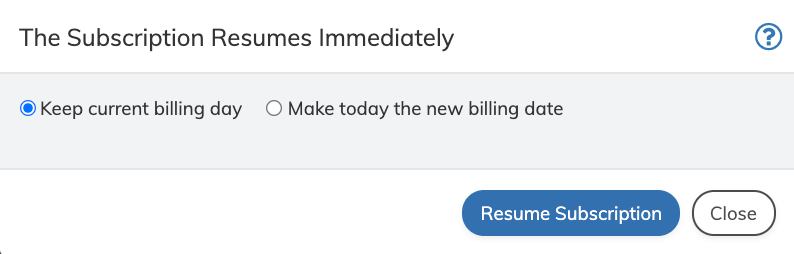
Resume a paused subscription and restart service entitlements as defined in the subscription associated billing plan, or any active products. The subscription resumes based on the defined date. To resume a subscription:
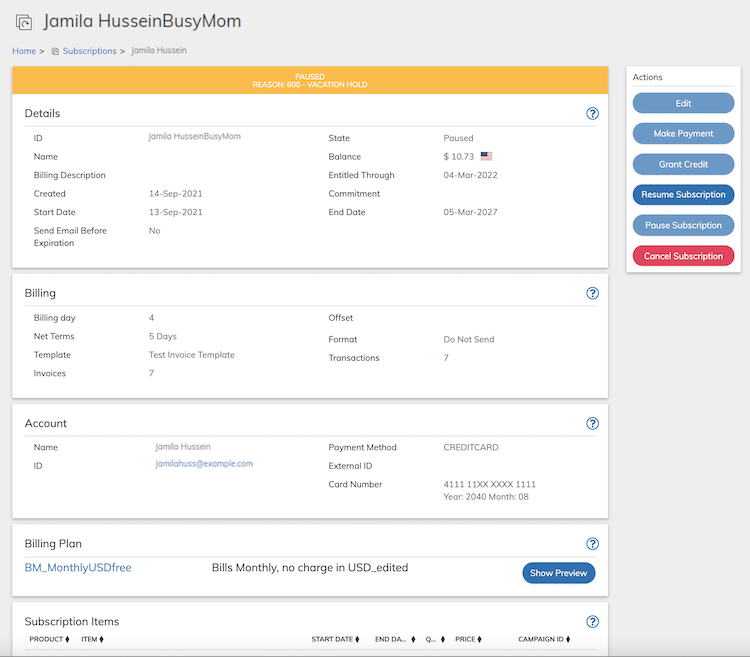
  1. Access the subscription from Billing > Subscriptions.
  2. Click Resume Subscription in the Actions Panel. Action Panel - Resume Subscription Button Note: Resume Subscription button is active only if the current subscription state is either Paused or Pending Pause. The Resume Subscription dialog box appears. Resume Subscription Dialog Box
  3. Define the fields as needed. Refer to the table below for guidance regarding the fields.
  1. Click Resume Subscription in the Resume Subscription dialog box. The subscription is resumed and reset to an Active state.
Parent topic:Subscriptions