

- Account information, including the organization’s name
- Business information, including countries of operation and associated industry categories
- Primary contact and operational contact details, including phone number and email address
- Click your name in the navigation bar at the top of the page. The dropdown list appears.
-
Select Organization Profile.
The Organization Profile page appears with Account Information, Business Information, and Contact Information panes.
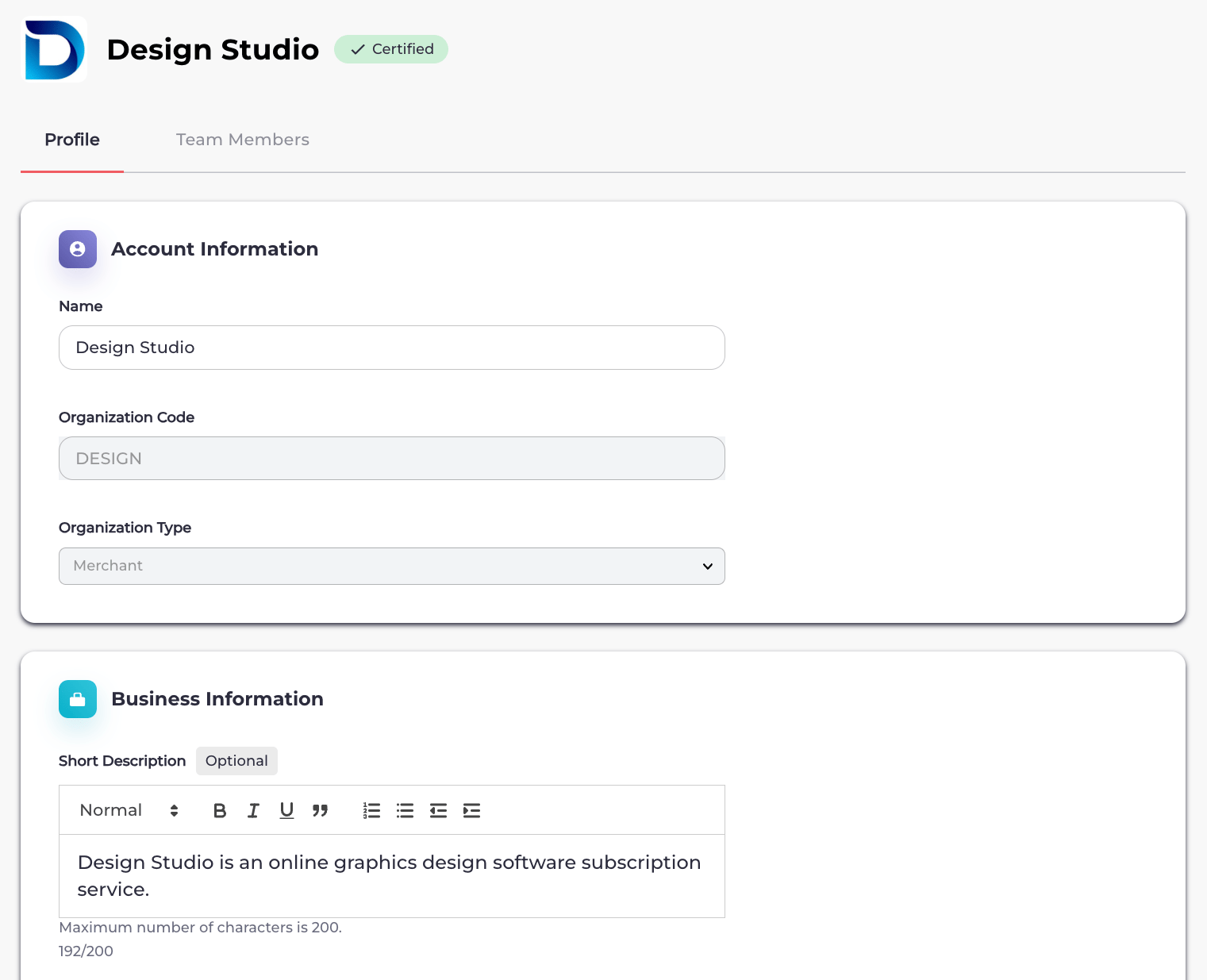
- Edit the organization fields in each section as needed. See the tables below for more details.
- When you’re done, click Save. Your organization profile is saved and visible.