

Partner Ecosystem Management allows Merchants with Platform-Managed products to subscribe to Partner Ecosystem Management webhooks in the Platform Settings space. A webhook, or a web callback, is a way for Partner Ecosystem Management to provide Merchants with real-time information about Partner subscription provisioning and fulfillment events. Possible events include creating, updating, and deleting Partner subscriptions. Webhooks can be more efficient than polling for updates. To get data, all Merchants need to do is subscribe to the webhook. After the configuration, Partner Ecosystem Management sends the events to the endpoint URL. Merchants get updates as they happen. Partner Ecosystem Management enables Resellers (Service Providers) using the Platform-Managed product lifecycle to receive real-time updates through webhooks. These updates are triggered by events related to subscriptions, Partner subscriptions, and external catalog changes. Subscribing to webhooks is required when using the Platform-managed product lifecycle. For Resellers using Commerce Engine and Storefront Gateway, it is mandatory to subscribe to all Partner subscription and subscription events to ensure proper integration and real-time updates. What Are Webhooks? A webhook (or web callback) is a way for Partner Ecosystem Management to send real-time event notifications to Resellers. Instead of polling for updates, Resellers can configure a webhook endpoint to automatically receive event data as it happens. Why Use Webhooks? Webhooks provide:
  • Real-time updates on subscription, Partner subscription, and catalog changes.
  • Improved efficiency over polling APIs.
  • Custom routing of specific event types to different URLs, enabling more targeted processing.

Events

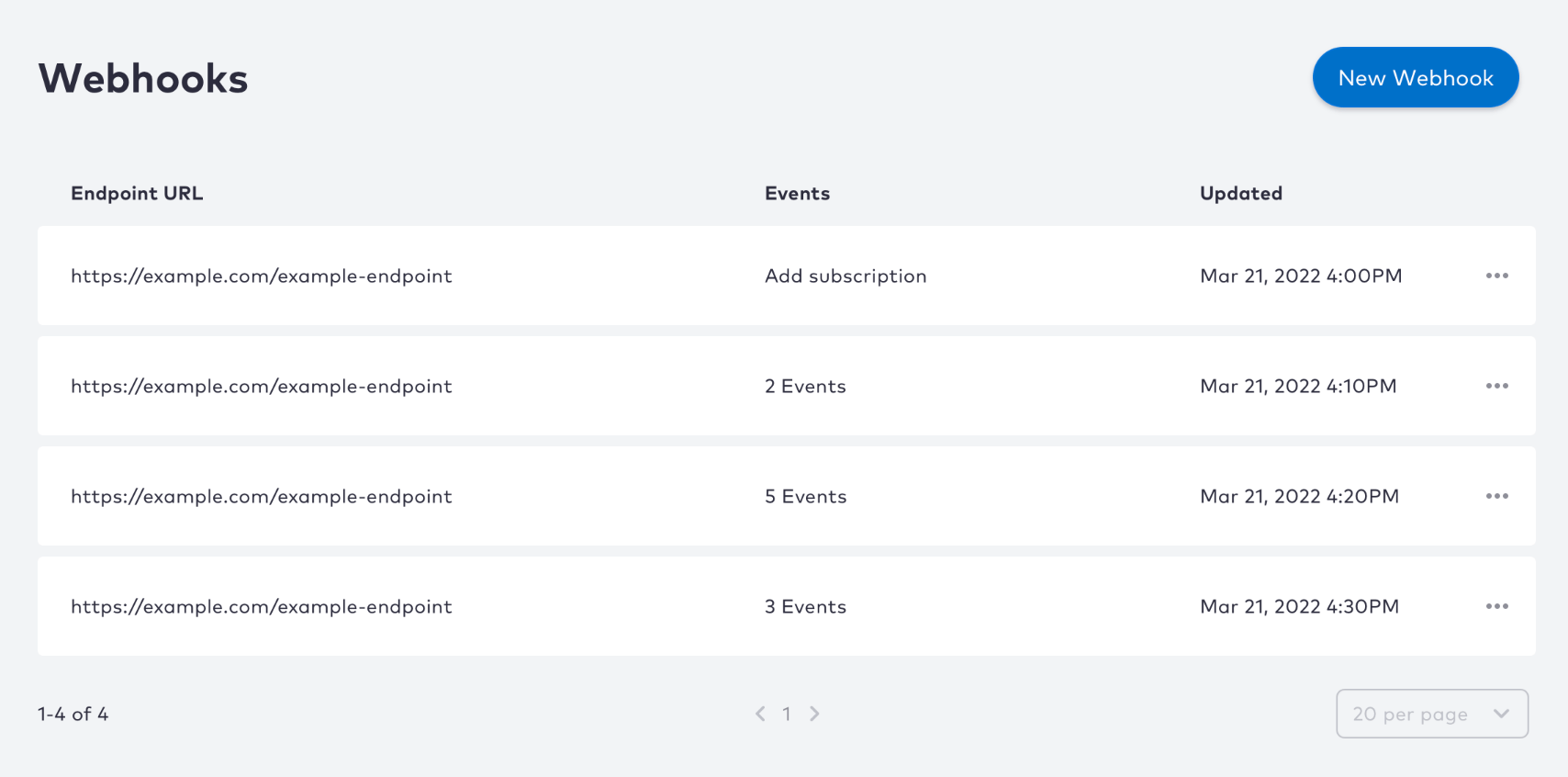
When you subscribe to a webhook, you can select which Partner Ecosystem Management events to receive. For example, you can be notified when a subscription is created, canceled, or both. You can subscribe to any of the following events: You can also configure a single webhook endpoint to handle multiple events. This can be useful when different systems are responsible for processing different events, allowing you to route events appropriately. Webhooks Page Parent topic:Step 2: Technical Access and Setup in the Sandbox Environment (PDT)
Set Credentials

Partner Ecosystem Management supports various methods to secure your webhook events. Setting up an authentication method is optional but recommended to increase the security of the webhook event data. It ensures the communication is only between partnered Resellers (Service Providers), Partner Ecosystem Management, and the Merchant. You must select one of the following options:
  • No credentials
  • Username and password
  • API key Partner Ecosystem Management passes your API key into REST API calls as a header (X-API-KEY) to secure the connection.
  • OAuth2 access token The endpoint URL verifies your access token when receiving notifications.
Parent topic:Webhooks