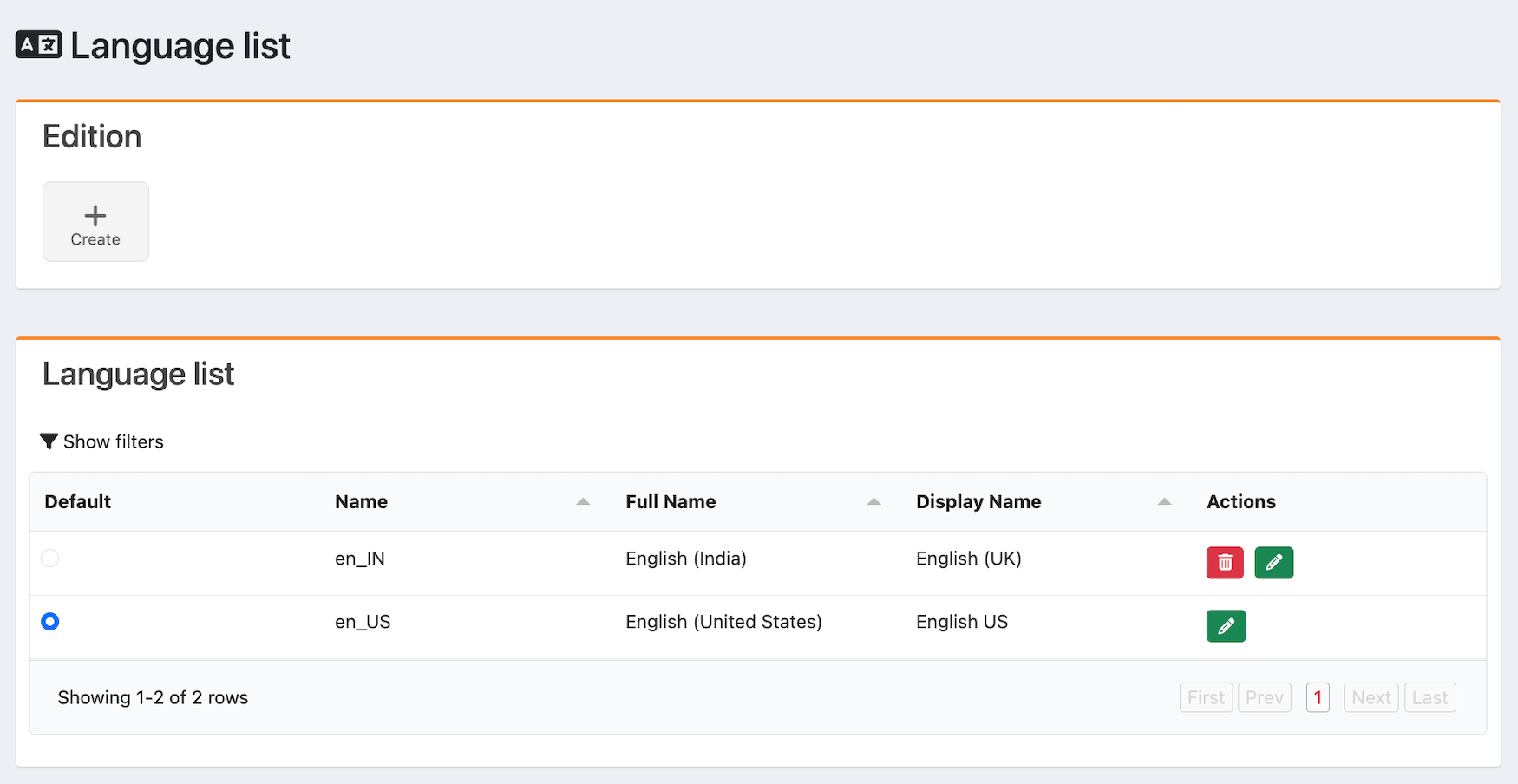
Adding languages and configuring language content helps you meet the standards of target regions or markets, enhancing the user experience and user engagement.
After you add languages, you can configure storefront content or UI components for these languages when you edit page programming or the Product Catalog. Just a few examples of UI components you can localize include rail titles, menu titles, and product metadata.Within Home > Languages, you can: