

- Define private allowlisted attribute names
- Edit private allowlisted attribute names
- Delete private allowlisted attribute names
-
Select what you’d like to do:
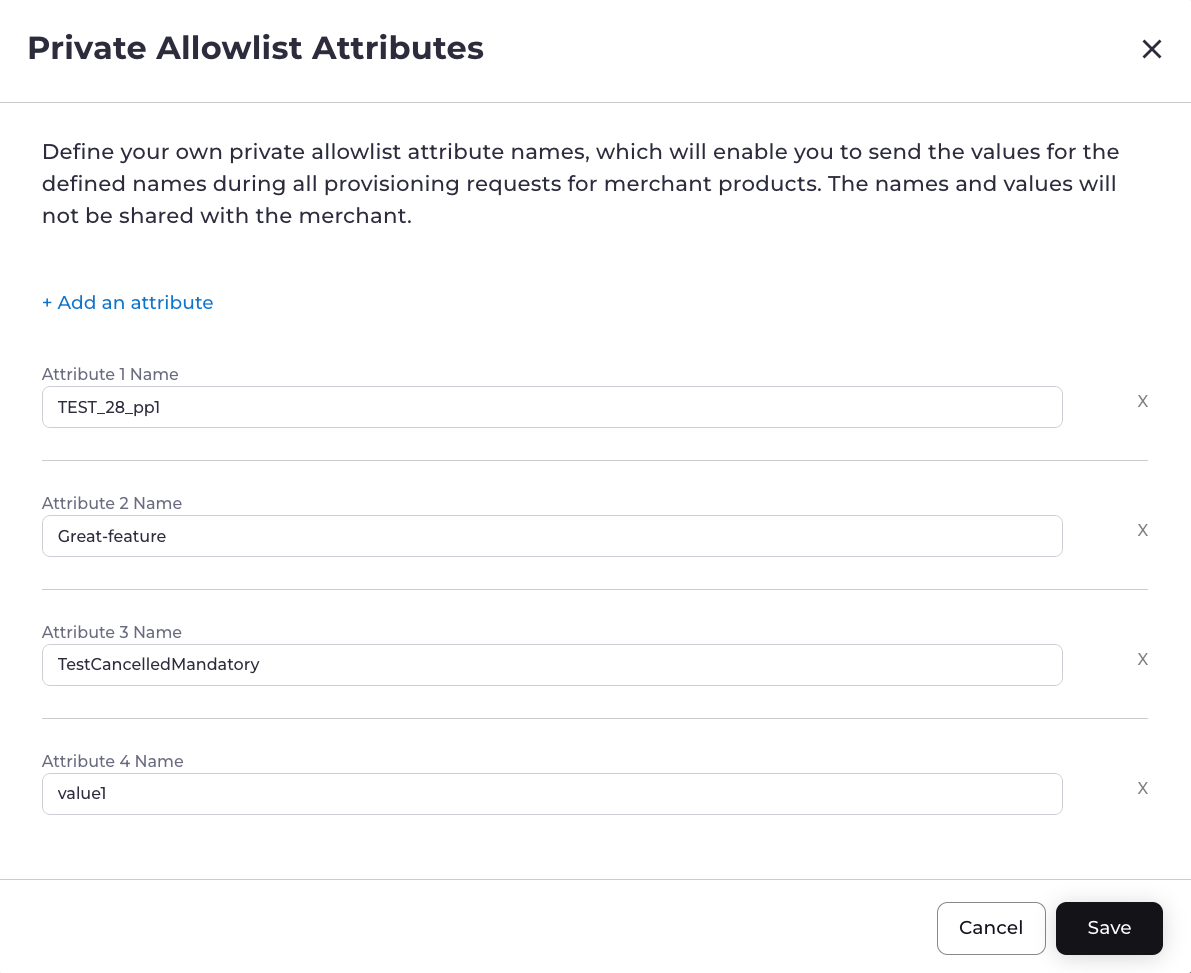
- To define private allowlisted attribute names, navigate to Platform Settings > Allowlist Settings. Select Configure your allowlisted attributes. Complete the allowlisted attribute fields. See the table below for more information. Select Save. Your private allowlisted attribute names have been successfully created.
-
To edit private allowlisted attributes, navigate to Platform Settings > Allowlist Settings. Locate the Merchant and attributes. On the same row, select the three dot menu and then select Edit.
The allowlisted attribute box appears.
- To delete private allowlisted attributes, navigate to Platform Settings > Allowlist Settings. Locate the Merchant and attributes. On the same row, select the three dot menu and then select Delete. The confirmation box appears. Select Delete Attributes. The private allowlisted attributes have been successfully deleted.
Allowlisted Attribute Field Details
Note: To add another attribute, select Add an attribute.
Parent topic:Manage Private Allowlisted Attribute Names