

- Generate API keys
- Regenerate API keys
-
Navigate to Platform Settings > API Keys.
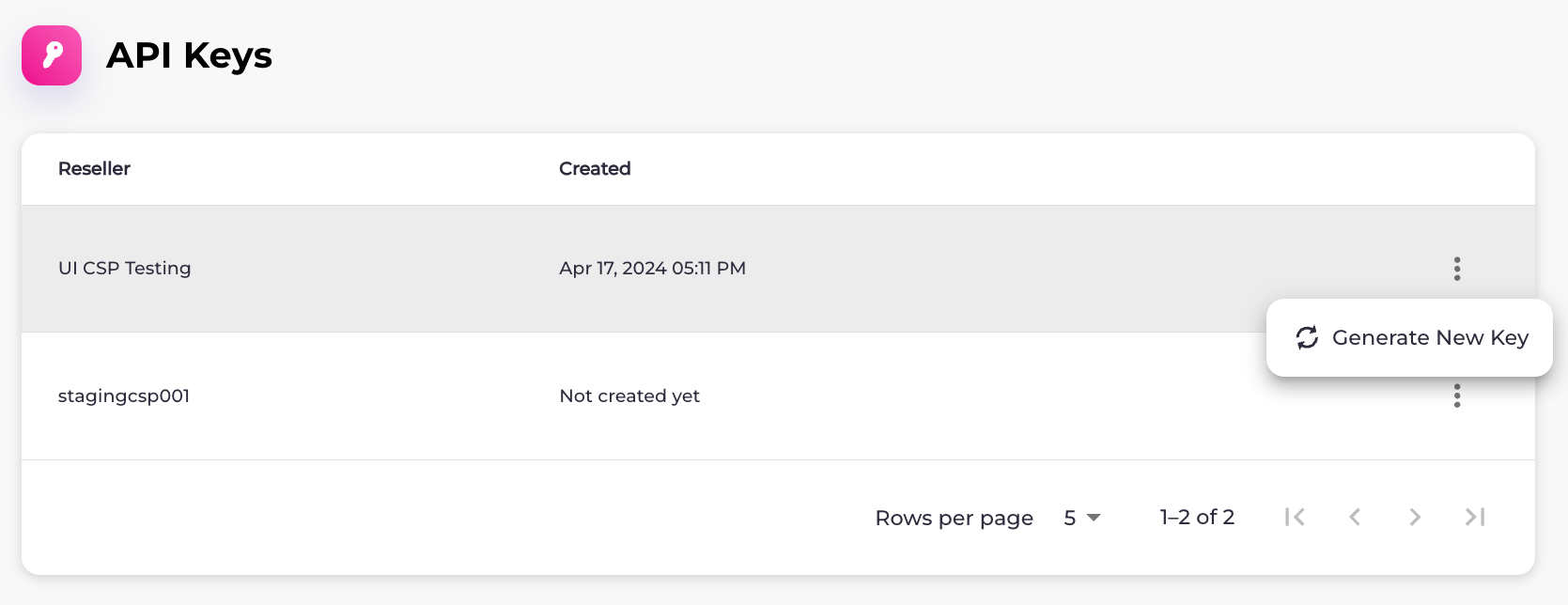
The API Keys page appears with a list of Resellers.
-
Select what you’d like to do:
- To generate an API key for a Reseller, select the three dot menu on the same row as the Reseller and then select the Generate New Key option. The API Key Successfully Created box appears. Select the API key in the field and press CTRL+C or select Copy to copy it. When you’re done, click Close.
- To regenerate an API key, select the three dot menu on the same row as the Reseller and then select Regenerate Key. The Regenerate API Key box appears. Select Confirm Regeneration. The API Key Successfully Created box appears. Select the API key in the field and press CTRL+C or select Copy to copy it. When you’re done, click Close.