

-
Navigate to Platform Settings > Reseller Policies > Data Compliance.
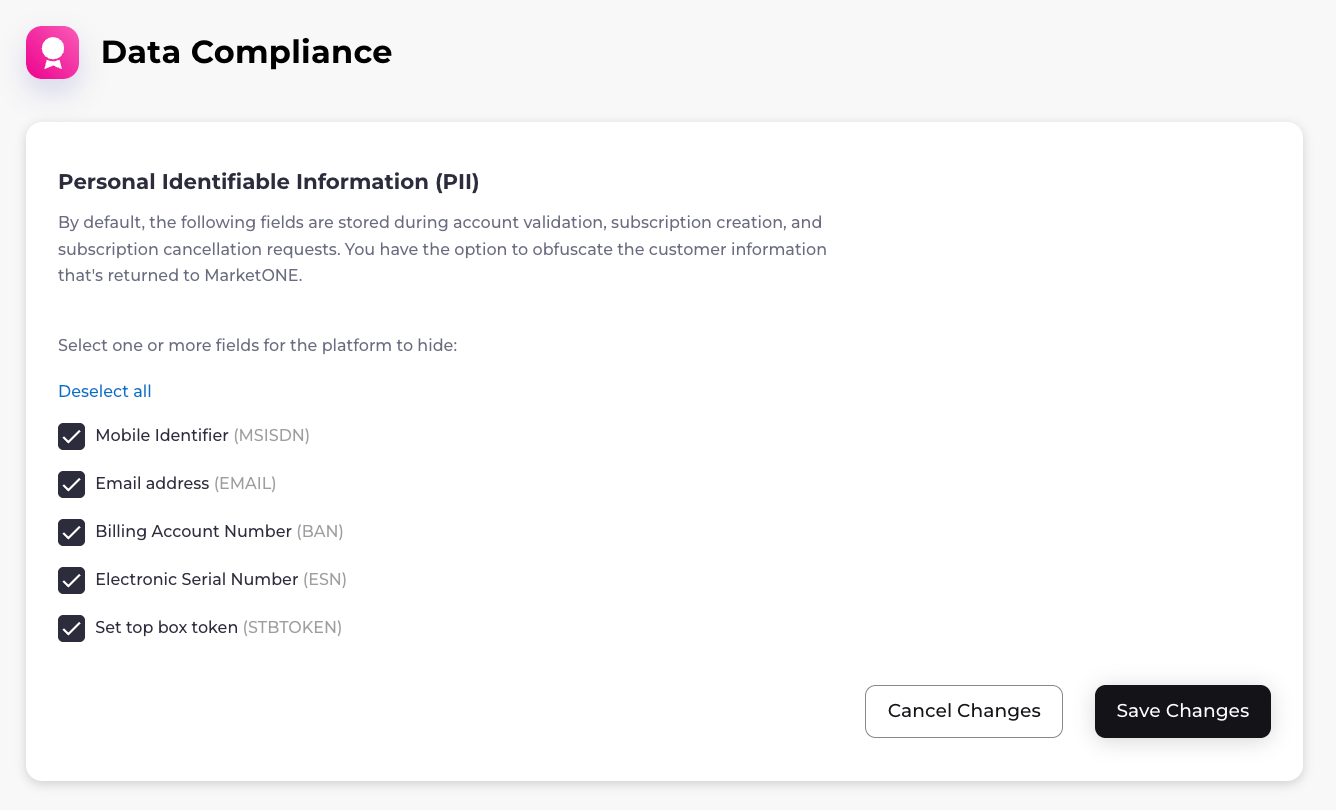
The Data Compliance page appears.
-
Select one or more fields for the platform to hide:
- Mobile Identifier (MSISDN)
- Email Address (EMAIL)
- Billing Account Number (BAN)
- Electronic Serial Number (ESN)
- Set-Top Box Token (STBTOKEN)
-
Select Save Changes.
Depending on your selection, one of the following confirmation dialogs appears:
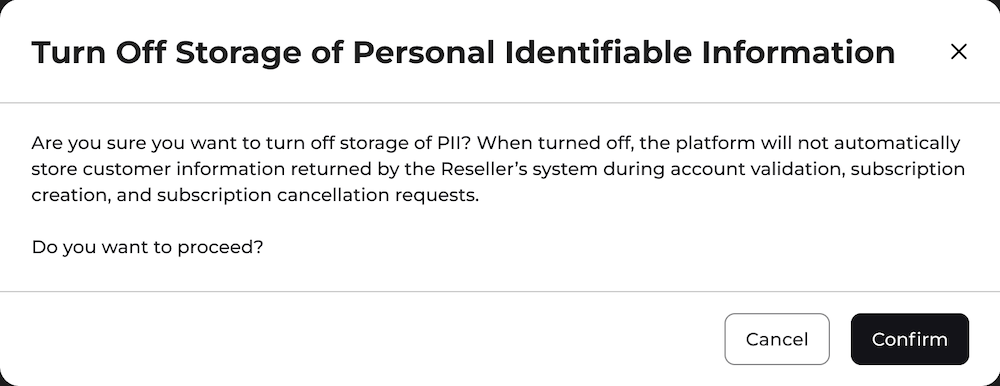
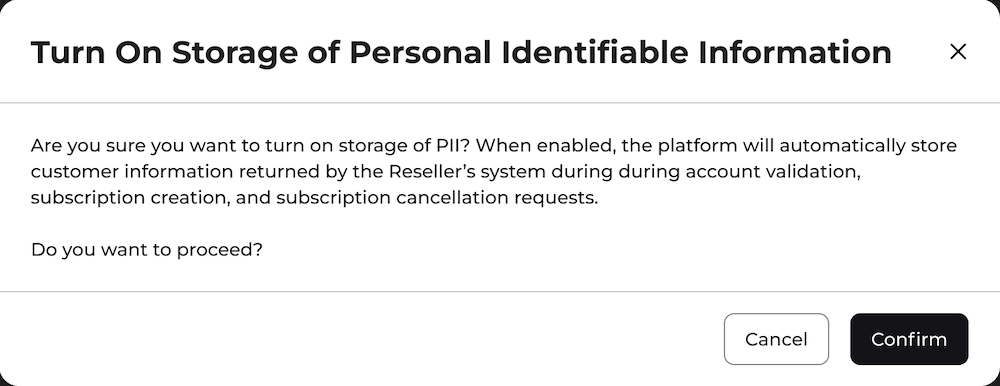
- To confirm, select Confirm. Your data compliance settings have been successfully saved.
Manage Data Compliance
In Platform Settings > Reseller Policies > Data Compliance, you can obfuscate customer PII (Personally Identifiable Information) that is returned during subscription creation, subscription cancellation, and account validation requests. This can aid in protecting customer data and help your organization comply with privacy regulations such as GDPR.
When you turn on this setting, previously stored data is not deleted.
Note: This setting does not override other configurations where you may have chosen to store PII data, such as allowlist attributes.
Was this page helpful?