

-
Navigate to Platform Settings > Reseller Policies > Eligibility Service.
The Eligibility Service page appears.
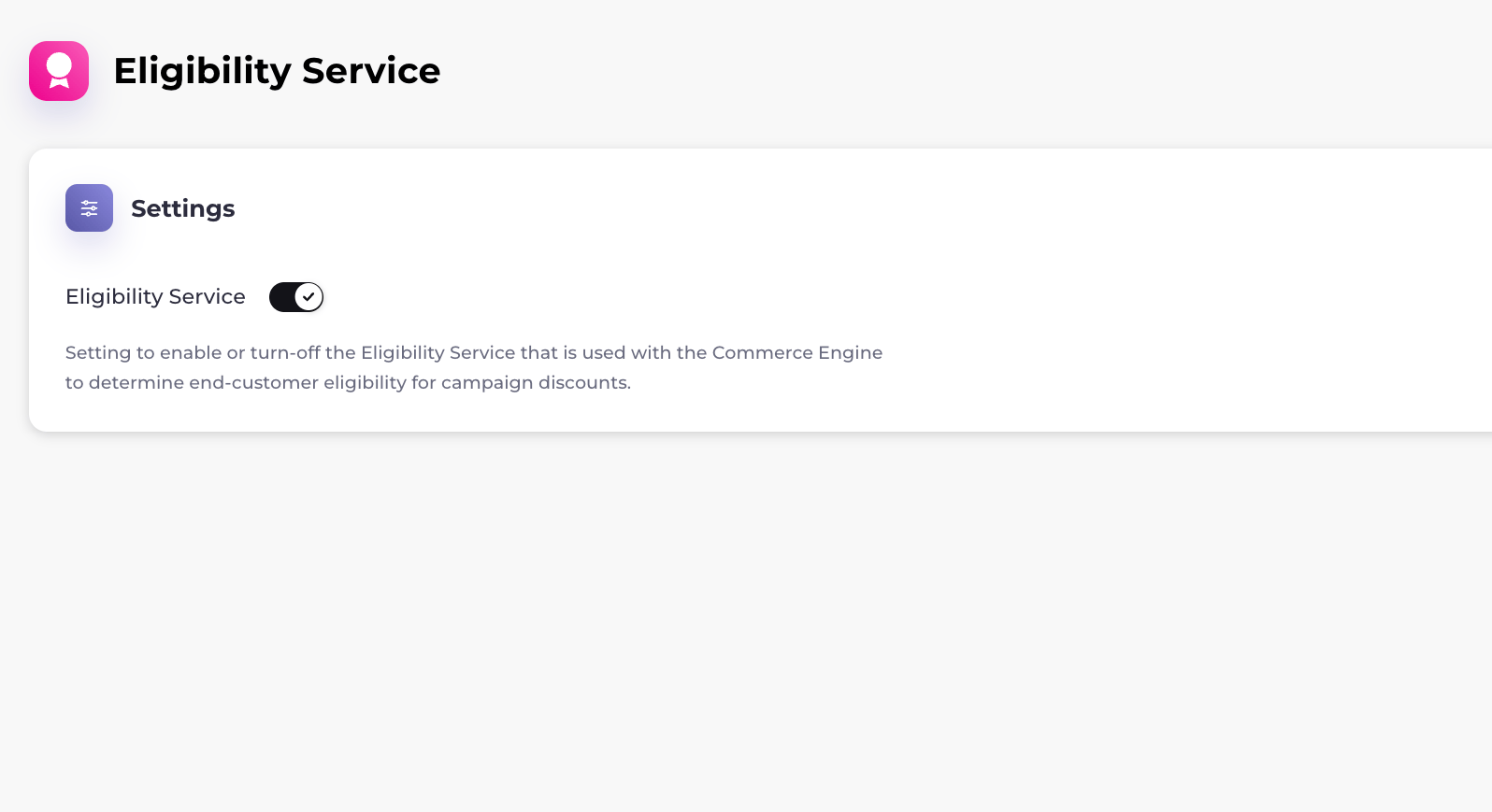
- Toggle Eligibility Service to the right to turn it on or to the left to turn it off. Note: If you turn off the eligibility service, you will not be able to use some campaign discounts with Commerce Engine. The eligibility service has been turned on or off successfully.
Manage the Eligibility Service
In Platform Settings > Reseller Policies > Eligibility Service, you can enable the eligibility service. This service works with Commerce Engine and determines customer eligibility for products, campaign discounts, and billing plans.
Note: To use this service, you must have Commerce Engine.
By default, the eligibility service is off.
Was this page helpful?